
Making an AI Comic Drama Solo: The Complete Workflow from Script to Finished Video
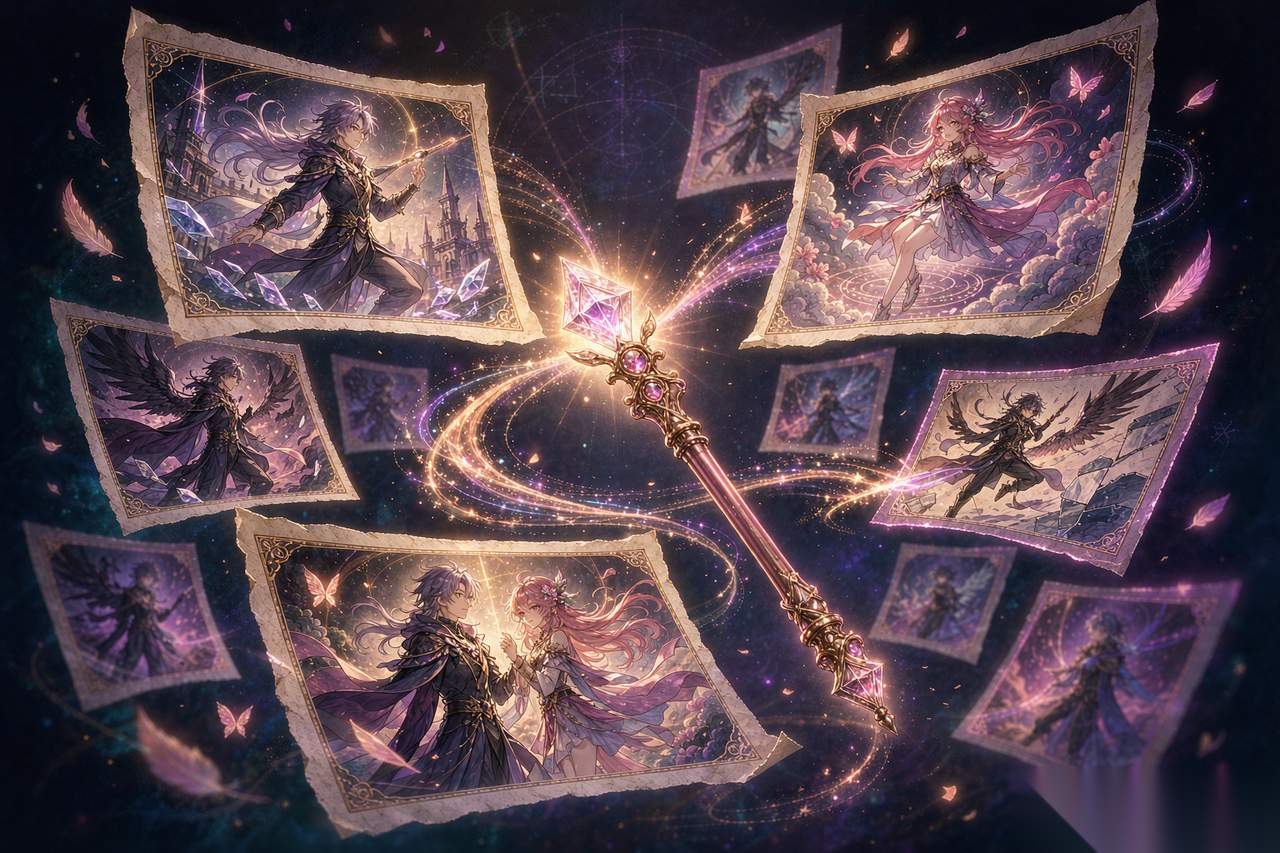
A few days ago, a college roommate I hadn't heard from in ages suddenly messaged me: is it too late to learn AI comic drama now? He said he had seen a lot of AI-made short dramas and felt the itch to try making a few himself.
My answer was very straightforward: Go ahead and do it. No problem.
Back in 2025, I probably would have told him to wait a little longer. The tools were not this smooth back then. But by 2026, the barrier to entry for AI comic drama has truly been flattened. You don't need to hire actors, manage lighting and set design, or burn money on editing and visual effects. One person, one computer, and a few days are enough to produce a complete AI comic drama. The only thing you really need to bring is a story you want to tell.
Five Steps to Finish an AI Comic Drama
The whole workflow comes down to five things: write the script, create storyboards, text-to-image, image-to-video, and edit everything together.
Step 1: Write the script. Don't underestimate this step. AI can handle the visuals, but the story has to come from you. Decide the genre, the characters, and the episode outline. For a short drama of 8 to 12 episodes, with each episode running one to two minutes, you need an opening that hooks people and an ending with a twist.
Step 2: Create storyboards. Break the script down shot by shot. Each shot corresponds to one image. Write down the shot number, framing, image content, dialogue, and duration clearly. The more detailed this step is, the smoother the later image generation will be.
Step 3: Text-to-image. This is the most labor-intensive step. Convert each storyboard's visual description into an image generation prompt, and batch-generate images. You can use Doubao or Jimeng.
Step 4: Image-to-video. Pick the key shots and make the still images move. Hair strands swaying, leaves falling, the camera slowly pushing in—these details can bring the visuals to life.
Step 5: Edit and composite. Add keyframe motion to the images, add voiceover, subtitles, sound effects, and background music, then export the final video.
The Biggest Headache: Character Consistency
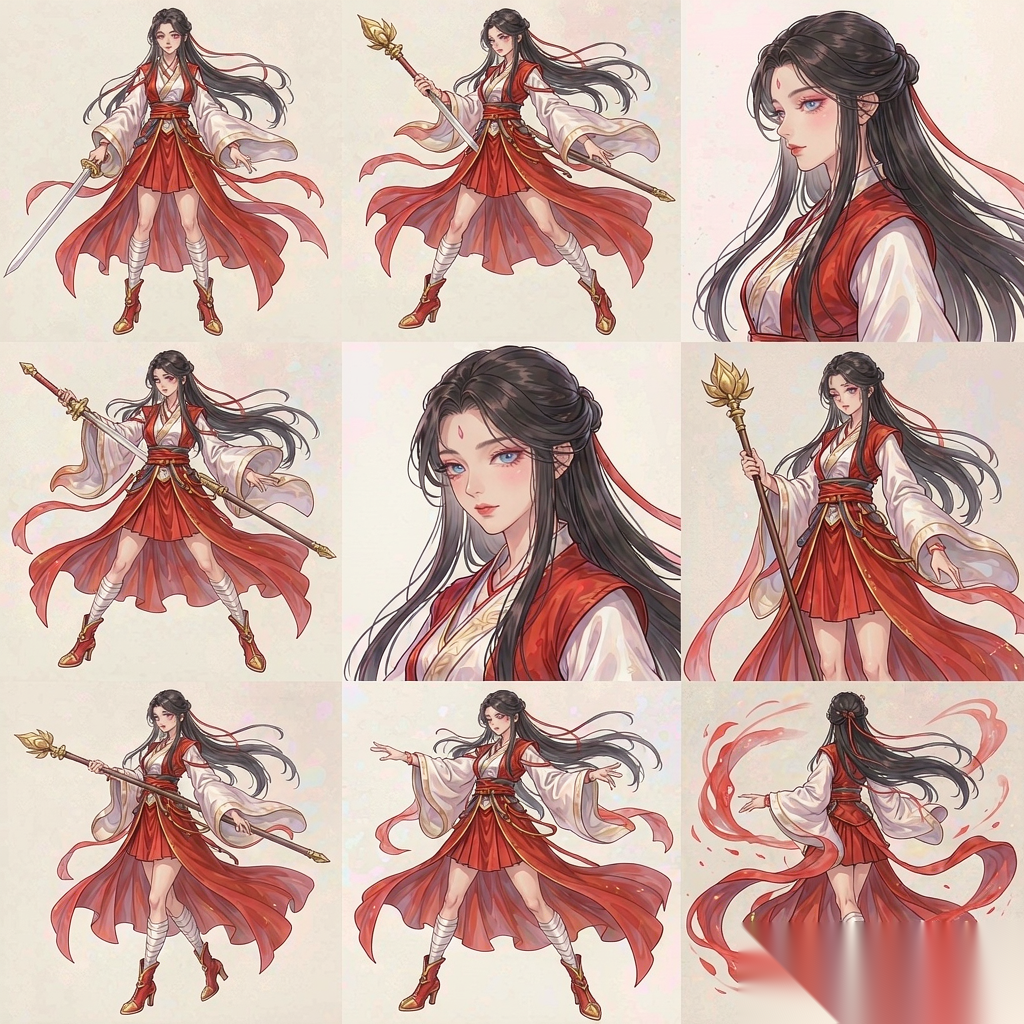
Almost everyone who makes AI comic dramas trips over the same problem: the characters don't look the same. In episode one, the female lead has long straight black hair and red eyes; by episode three, she has brown curly hair. The audience will immediately be pulled out of the story.
The solution is to "lock in the look before shooting."
First, use AI to generate the character's turnaround and expression sheets, and lock the appearance down. Then write a fixed description for the character, such as "Lin Wan, black hair, red eyes, red hanfu, holding a long sword." Use that exact phrase in every episode and don't change it. Finally, when generating storyboard images, upload the locked-in character sheet as a reference image. This greatly reduces the chance of the character drifting.
There's another point that's easy to overlook: use one consistent art style prefix for the whole series. Don't have one episode in Japanese anime style and another in Chinese traditional style. A messy visual style is a major taboo in AI comic drama.
How to Write Stable Prompts
When writing image generation prompts, remember this formula: art style prefix + fixed character description + action + expression + scene + lighting + camera.
For example: Japanese anime style, Lin Wan, black hair, red eyes, red hanfu, turning and drawing her sword, sharp gaze, in a bamboo forest, backlit, medium shot, motion blur, high detail.
All the visual information is in that one sentence, so the model won't have to guess.
Don't Skip Voiceover
Once the visuals are done, sound is the key to the viewing experience. Voiceover for AI comic dramas is usually done with Doubao or CapCut. First organize the dialogue from the storyboard, mark the emotion, pace, and emphasis for each line, and then hand it over to AI voiceover.
Writing something like "use a mature female voice, cool and clear but with a hint of urgency, medium speed" produces a much better result than just feeding it a block of text. Voiceover, like the visuals, is guided by descriptions.
Don't skip the subtitles either. Convert the voiceover text into SRT subtitle format and import it directly into CapCut, so you don't have to sync each line manually against the timeline.
Where to Publish
At the moment, AI comic dramas are mainly published on Douyin, Xiaohongshu, and WeChat Channels, with Bilibili also providing decent ground. So from the very beginning, it's recommended to generate vertical 9:16 images, because the players on these platforms are all vertical-first, saving you from cropping later.
Different platforms have different rhythms. Douyin and Xiaohongshu rely on "hooks"—the first two seconds decide whether viewers stay or leave. Bilibili viewers are more patient, so you can make the content a bit more complete. You can cut one video into several versions to match the tastes of different platforms.
Pitfalls to Avoid
First, before commercial use, make sure you understand the copyright and platform authorization rules for AI-generated content. Different platforms and tools have different terms, so don't wait until after you've published to discover a problem.
Second, don't generate characters from well-known IPs. Drawing a "traditional-style female assassin" is fine; drawing a specific, copyrighted character is asking for trouble.
Third, don't expect to be satisfied with one round of image generation. AI image generation works like pulling gacha cards: it generates four images at a time, so generate several batches, pick the ones that look good, and then use them as reference images for further correction. Professionals do it this way too—it's not magic.
AI comic drama has truly reached the point where ordinary people can get started. The tools are ready, the workflow is clear, and all that's left is your story. In the end, my roommate asked if I wanted to make one together. I said, write a beginning first, and then we'll see.
Related articles
Guizang PPT Skill: Make Stunning HTML Slide Decks Right Inside Claude Code
Guizang PPT Skill turns any article into a polished HTML deck—magazine or Swiss style, AI images, presenter tools, install via npx or git clone.
The Best AI Image Generators of September 2026, Ranked
GPT Image 2.5, Midjourney V8.2, Nano Banana 2, Flux 2 and more, ranked with prices and picks by job.
Flux 2 vs Stable Diffusion 3.5: The Open-Source Image Race Has a Clear Leader
Flux 2 leads on quality, Stable Diffusion 3.5 keeps the deepest ecosystem. How to choose between them in 2026.
Who Owns an AI-Generated Image? Copyright, and the Firefly Loophole
Licensing, indemnification, and Adobe Firefly's legal cover: what you can safely publish in 2026.