
Why AI Video Still Breaks on Hands and Faces, and the Order That Fixes It
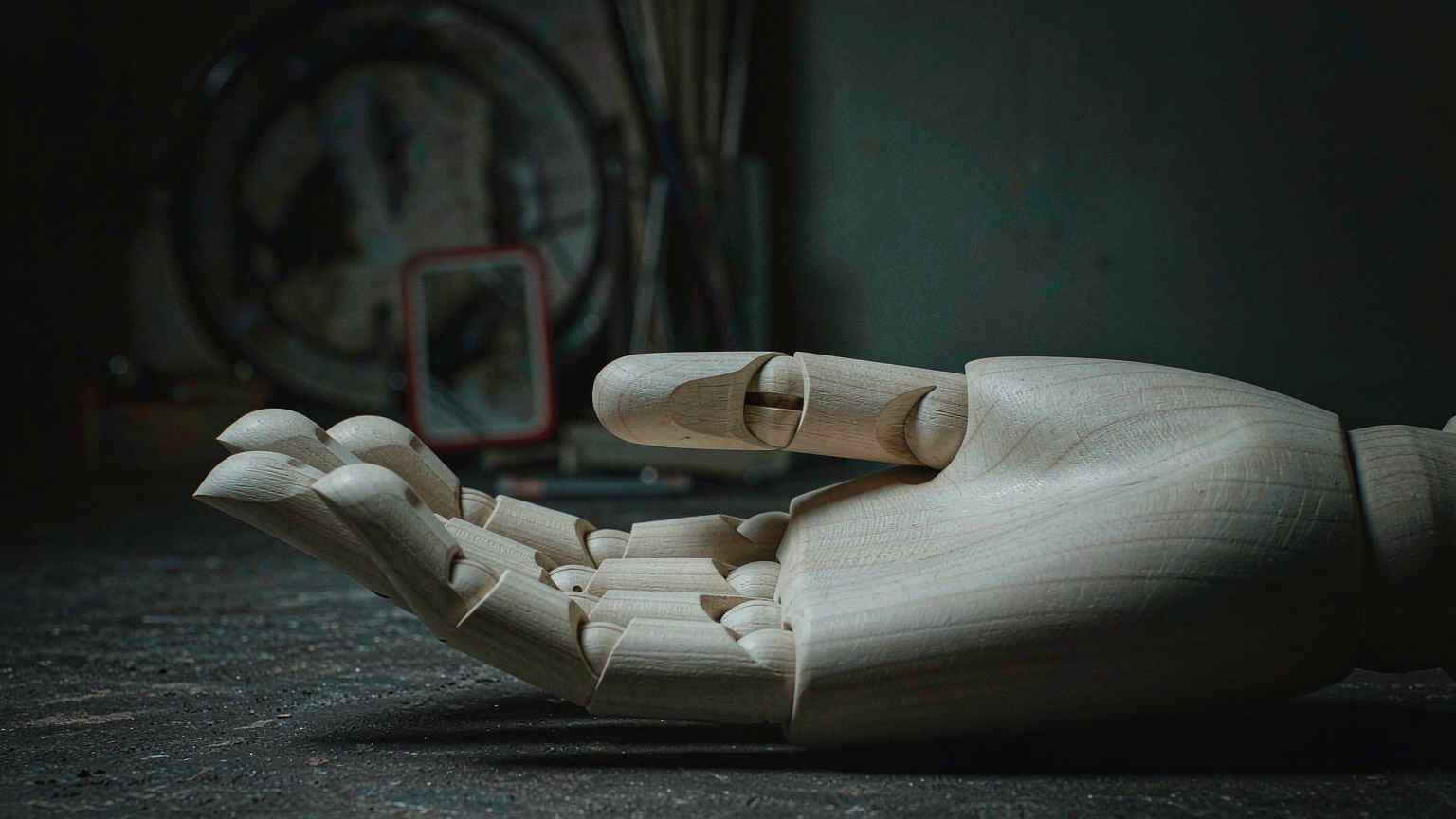
Ask anyone who has shipped AI video for a client and the same complaint comes back. The hands are wrong. The face drifts. Everything looks stunning until the moment a character picks something up, and then the illusion collapses in the one place the viewer cannot stop staring at.
The fix is less about the model and more about the order you work in. The studios getting consistent results generate the still first, check it, repair it, and only then animate.
The order matters more than the model
Catching a broken thumb in a still costs one image edit. Catching it after a video run costs a full re-run of the clip. At current prices, an eight-second clip runs anywhere from a small handful of credits to several hundred depending on the model, while an image edit is a fraction of that. Working backward from the video wastes the expensive resource on a defect you could have seen for almost nothing.
So the practical workflow is a checklist, not a prompt. Generate the frame. Zoom in on the hands and the face. Repair what is broken. Approve it. Animate once. Build that sequence into a template and every product shot runs the same steps, which removes the guesswork from a process that has too much of it already.
The models differ in how much anatomy you get to lock
Every current video model accepts some form of image input, and the ceiling on consistency depends on how many references it takes and whether it supports first-and-last-frame control. That control is the underused lever. Instead of letting the model invent the destination of a motion, you supply both ends, and the model interpolates between two frames you have already approved.
Veo 3.1 accepts up to three asset images of a single person or product, plus first and last frames. It is the model you reach for when the face and the audio both have to land, and Veo 3.1 Fast offers the same reference input at a lower price for blocking motion before you spend flagship credits. Seedance 2.0 takes up to nine images, three video clips, and three audio clips as reference, and runs takes up to fifteen seconds, though real human faces need ByteDance's consent and a face check. Kling 3.0 builds Elements from two to four reference images each, up to three per clip, which is how you hold one subject across a multi-shot sequence. Runway Gen-4.5 takes a first frame only.
The practical rule that falls out of the comparison: a draft pass on a fast model is the cheapest diagnostic you have. If the hand fails on Veo Fast, it is unlikely to hold on the flagship, and you found out for fewer credits.
Start with the product already held
One technique shows up again and again in production notes, and it is almost too simple. Start with the product already in the hand, then move the camera. Models preserve an existing grip far more reliably than they form a new one. Asking a model to figure out how a human picks something up is asking it to solve a problem that has nothing to do with what the shot is for.
The same logic applies to faces. If the shot needs a recognizable person, supply the reference and let the model interpolate rather than describe the face in text and hope. Descriptions produce a face that looks plausible at a glance and unsettling at a hold, which is the worst outcome for anything a viewer will watch more than once.
Clip length forces the choice
For a take longer than about eight seconds, the field narrows to Seedance 2.0 and Kling 3.0, which run up to fifteen seconds. Everything else needs chaining, and chaining is where character and object consistency breaks down again. That is why first-and-last-frame control matters so much: it is the mechanism that lets a grip carry across a cut without the model reinventing it.
The still-first order is really an economic argument
Treat this as a production method and the arithmetic becomes obvious. An image generation and an image edit are both cheap next to a video run. The cost of a clip scales with its length and resolution, and it is the only step in the chain where a single mistake arrives after you have already paid. Everything upstream exists to make sure the one expensive step does not have to be repeated.
That inverts the instinct most people bring from prompting. The natural move is to describe the whole scene in text and generate the video directly, because that feels like using the model at its most powerful. It is also the path that spends the most money on the fewest guarantees. Approving a frame first turns an open-ended generation into a controlled one, because the model is now animating something you have already decided is correct.
The same order protects against a subtler failure, which is the shot that looks good frame by frame and wrong in motion. A hand that reads fine in a still can break the moment it moves, and the only way to know is to watch it, which means you will watch it either way. The question is whether you are watching one clip that has a problem you can fix or one that has a problem you can only pay to redo.
Where models still genuinely differ
Not every difference between models is a pricing tier. The number of accepted reference images and whether first-and-last-frame control exists change what is possible, not just how much it costs. A model limited to a single first frame cannot hold a subject across a cut, because there is no second reference for the model to aim at.
That is why the reference specs deserve as much attention as the quality ratings. A model that takes nine reference images can carry a character through a sequence in a way that a first-frame-only model cannot, even if the second model produces prettier single clips. For a talking-head shot, the prettier model wins. For a short sequence with a recurring product, the one with the reference budget wins.
First-and-last-frame control is the lever most teams underuse, and it addresses the core weakness of every video model, which is that it invents a destination you cannot predict. Supplying both ends means the model interpolates between two frames you have already checked. The motion stays plausible because the endpoints are real, and the consistency problem stops being a gamble on the model's imagination.
What this means for who can do the work
The order and the reference controls together widen who can produce acceptable AI video. A small studio without a post-production pipeline can now generate a still, fix it in an image editor, and animate a shot that holds together, without the specialist cleanup that used to be mandatory. The skill shifts from fixing broken frames to planning shots that avoid the cases where models still fail.
That is the same transition that hit still image generation two years ago. When the tools got reliable enough, the craft moved upstream into art direction and downstream into review, and the middle step, the one where a person wrestled a tool into cooperating, shrank. Video is entering that phase now, and the teams that adapt their process first are the ones that will ship on schedule while everyone else is re-running clips.
So the discipline is worth writing down. Generate the still, fix the hands, approve the frame, then animate. The model gets the credit. The order gets the result.
Related articles
Comfy API Turns a ComfyUI Workflow Into a Production Endpoint
Building a workflow was never the hard part. Shipping it was, which is why a small team could not turn an internal ComfyUI tool into a product until now.
Running AI Image Generation at Home: A Realistic Guide for 2026
Local AI image generation finally works on ordinary hardware. Here is the realistic 2026 guide: cards, models, tooling, and the costs nobody mentions.
Twenty New Image Models a Month, and My Prompts Still Work: The Case for Structure-First Prompting
Why structure-first prompts survive model churn, and what to keep versus drop in your prompt library.
Running Image Models on Your Own Hardware in 2026: What the Local Community Is Actually Using
What the local AI image generation community is actually running in 2026: models, tooling, and hardware tiers.