
Your Agent Can Hand You a STEP File: text-to-cad and the Code-as-Geometry Trick
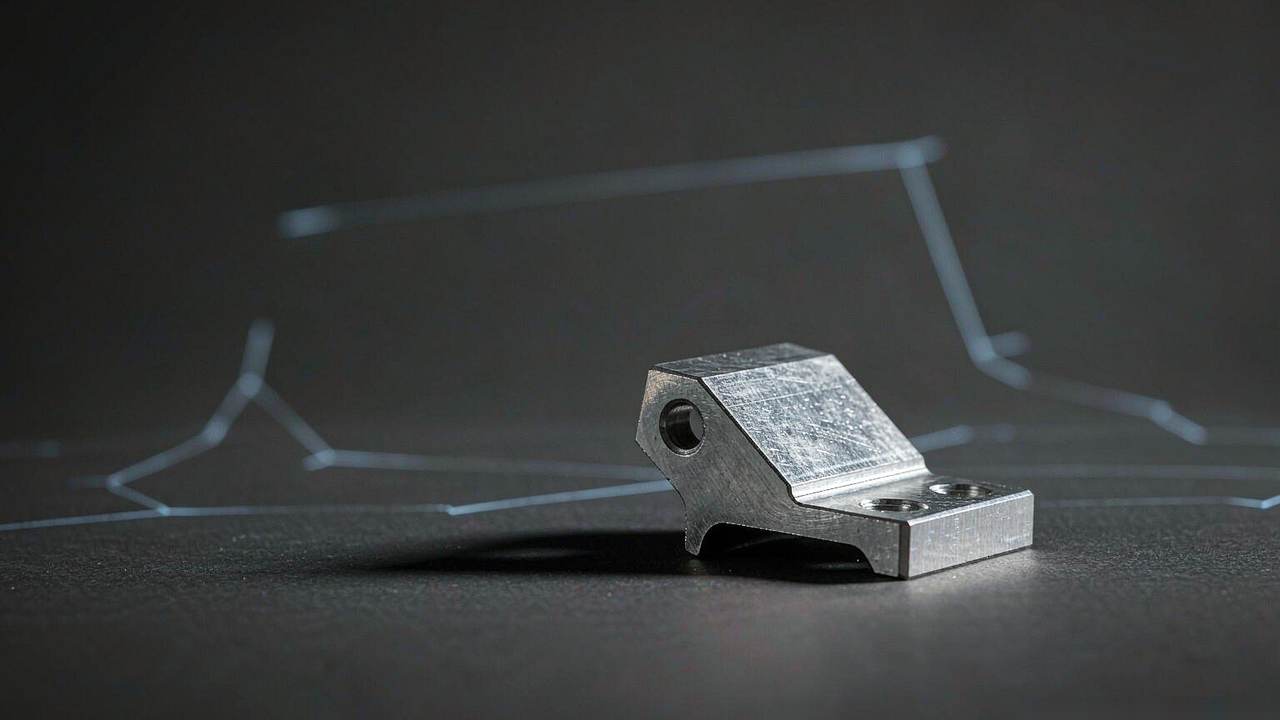
The part that was never text
Coding agents write software because software is text. That single fact explains almost everything they are good at. It also explains why they have been useless for mechanical work: a bracket is not text, a wall thickness is not text, and a STEP file is definitely not text, even though it technically is.
text-to-cad, an MIT-licensed plugin by earthtojake that has been on GitHub's trending board this month at around 18,600 stars, resolves that contradiction with an old trick: if the thing is not text, make a text representation of the thing. In this case, a parametric Python script.
The agent's job is not to imagine a 3D model. It is to write code that a geometry kernel can execute. That distinction is the entire product.
How the loop actually runs
The engine underneath is cadgen, a Python package on PyPI built on build123d, which in turn drives Open CASCADE, the same family of geometry kernel that serious CAD tools use. A model is a plain Python script: a function decorated with a step definition that returns a shape.
Say you want a camera mount with 3mm walls and two M3 holes. You describe it in words. The agent writes the script with parameters for wall thickness, hole diameter, and hole spacing. cadgen runs it and writes STEP, plus STL, 3MF, or GLB if you ask. Change a hole position, edit one number, run again. The model source stays in the repository next to your other code, which means it can be diffed, reviewed, and reverted like anything else.
This is the difference between exact geometry and a plausible mesh. A mesh generator produces a surface that looks like a bracket. A solid modeler produces a bracket with a known wall thickness, and a machine shop will accept a STEP file while it will politely decline your STL of a curved surface with 4,000 triangles.
The plugin also handles the boring parts that decide whether a design is real. It runs design-for-manufacturing and design-for-additive checks, wall thickness, overhangs, draft angles, undercuts, and reports the rule behind each finding rather than a bare warning. It generates dimensioned engineering drawings as PDF with views, hidden lines, hole callouts, and a title block. It writes DXF profiles for laser cutting, slices G-code through OrcaSlicer, sends prints to Bambu Lab machines, runs pre-upload checks for SendCutSend, and writes URDF, SRDF, and SDF files for robot descriptions and simulator worlds.
There is a local viewer too. In apps that support it, the model shows up as a card in the chat; elsewhere you get a localhost link.
Why this generalizes
The CAD use case is specific, but the pattern is not. Any domain that has two properties can be handed to a coding agent: a code representation of the artifact, and a checker that says whether the artifact is valid.
Mechanical parts have both. The script is the representation; the manufacturability check is the validator. Web pages have both, HTML and a browser. Infrastructure has both, configuration and a plan. Video, until recently, had neither in a form an agent could execute, which is precisely the gap that projects like HyperFrames are filling.
Where a domain lacks a checker, agents produce confident garbage. That is why "AI for 3D" has been stuck at previews: there was no validator between "looks like a chair" and "can be manufactured."
The other half of the pattern is local execution. cadgen runs on your machine, against a real geometry kernel. Nothing is being approximated by a neural network at the geometry stage. The agent contributes the parametric intent; the kernel contributes the truth.
The adoption taxes, which are real
Two things will bite people, and both are documented in the repository rather than discovered painfully, which is to the authors' credit.
Windows 11 has a specific trap. The CAD kernel's Python binding ships an unsigned native module, and Windows 11's Smart App Control, on by default on fresh installs, blocks it. Every command then fails with a DLL load error. There is no per-app exception. Your options are to turn Smart App Control off, which on some systems can only be reversed by reinstalling Windows, or to run the CAD skills under WSL. There is a doctor command that detects the case, so at least you find out quickly.
Telemetry is on by default. The README documents it in unusual detail, which is the right instinct. What gets sent: versions, install source, operating system, which agent app you use, and counts such as how often each tool was called and how many models were built, plus failure reasons chosen from a fixed list rather than the error text. Crash reports include the error type and where in the code it failed. Everything is tagged with a random install ID and stored with PostHog; the server derives your country from the IP and does not keep the address. What is never sent: file names, paths, file contents, prompts. You can turn it off with a single command, which also deletes what was already sent, and nothing is sent in CI or from a development install.
Both of these are normal for a young project and both cost adoption. A commercial CAD vendor would not ship either.
What it is not for
Organic shapes. Characters, figurines, sculpted forms, anything where the shape is the point rather than the function, that is mesh generation territory, and a mesh-based image-to-3D model is the better tool. Trying to describe a dragon in parameters is a bad afternoon.
It is also not a substitute for engineering sign-off. The DFM skill is a guided review, not a certification. If a part is going to hold a person's weight, a human engineer still signs the drawing. The loop ends with someone paying an invoice, and that is probably the correct place for the human.
The repository itself is young and moving fast, created in April 2026, more than 1,400 commits, a PyPI package with dozens of releases, and three versions shipped inside two days in early October. That pace is a feature if you like new skills and a risk if you need stability.
The sentence in the README that matters
Buried in the description is a claim that is easy to skip over: the plugin gives your agent a real CAD workflow. Not a demo, not a prompt wrapper, a workflow with a representation, an executor, a validator, and a handoff to a fabricator.
That is the shape of thing that makes agents useful outside software. Not a model that knows about brackets, but a loop where the model writes something executable, something else checks it, and the output is a file another system accepts. The agent does not need to be good at CAD. It needs to be good at code, and the domain needs to have a compiler.
Mechanical engineering got there first because the compiler is fifty years old and the validator is a set of manufacturing rules. Every other domain that gets those two pieces will look like this within a year.
Related articles
The Three Giveaways of AI-Made Work: Four Pixels Off, an Invisible Stamp, and Nobody's Name
A diagram project's 4px rule, SynthID's invisible stamp and the Nikon scandal, and the publishers using AI without telling authors: three layers of “AI-ness,” only two of which technology can patch.
CLI-Anything Gives Desktop Software a Command Line So Agents Can Use It
Instead of teaching agents to click, HKU's lab generates Click-based CLIs from application source code, with tests, JSON output, and a package you pip install. Real backends, real renders, honest limits.
CLI-Anything Gives Desktop Software a Command Line So Agents Can Use It
Instead of teaching agents to click, HKU's lab generates Click-based CLIs from application source code, with tests, JSON output, and a package you pip install. Real backends, real renders, honest limits.
XERJ Searches Your Code So Agents Stop Reading Whole Files
A Rust search engine with autoindex, tree-sitter symbol awareness, and an Elasticsearch-compatible wire protocol. Its benchmark says 2.7x fewer tokens than grep. Its maintainer says the star count is inflated 13x.