
ViMax Wants to Be Your Director, and the Install Is Four Commands
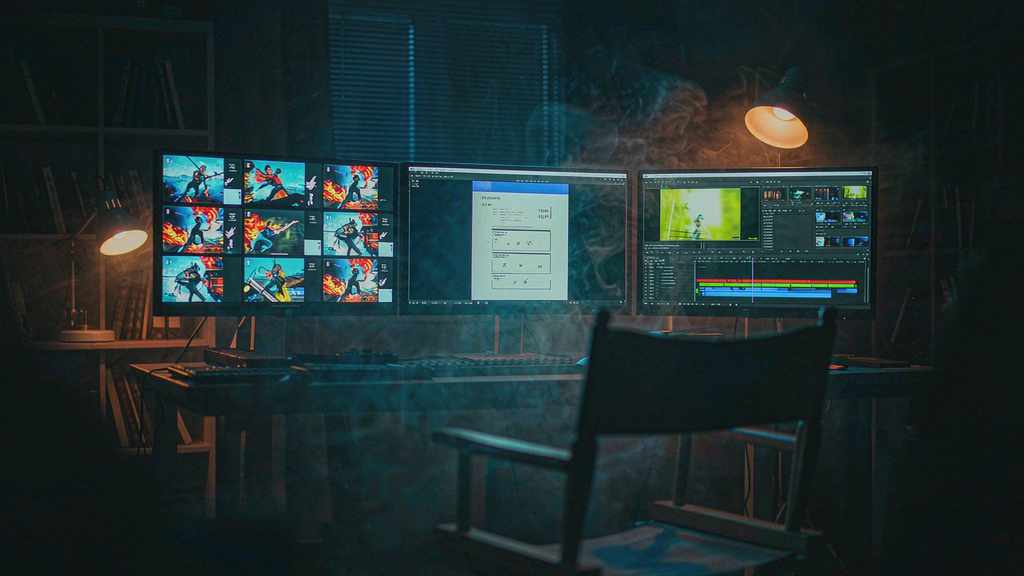
The most interesting thing about ViMax is not that it generates video. Plenty of repos do that. It's that the repo's own example doesn't ask you for a prompt. It asks you for a logline.
idea = \
"""
If a cat and a dog are best friends, what would happen when they meet a new cat?
"""
user_requirement = \
"""
For children, do not exceed 3 scenes.
"""
style = "Cartoon"
That block sits inside main_idea2video.py. You edit the Python file, set three API keys, and run it. What comes back is supposed to be a finished short: script, storyboard, character designs, shots, and an assembled video. The repo is HKUDS/ViMax, it has picked up roughly 12.8K stars, and its pitch is that one agent can hold four jobs at once — director, screenwriter, producer, and generator.
Whether it succeeds is a separate question from whether the framing is right. The framing is right. Almost every text-to-video tool on the market refuses to make decisions. You give it a sentence, it gives you five seconds. Everything above that sentence — who the character is, what the second shot should be, whether the third shot contradicts the first — is your problem. ViMax's bet is that the missing product was never the model. It was the layer that decides what to ask the model for.
What's actually in the box
Three entry points, and they're worth separating because people keep conflating them.
Idea to video. main_idea2video.py takes a premise, a constraint sentence, and a style word. The agent writes the script, breaks it into scenes, generates keyframes, then hands those keyframes to a video model.
Script to video. main_script2video.py skips the writing stage. You supply a scene script in a screenplay-ish format — EXT. SCHOOL GYM - DAY, character ages in parentheses, dialogue on its own line — plus a requirement like "fast-paced with no more than 20 shots." The agent parses it, casts it, and generates.
Interactive TUI and a local web UI. Same runtime, two front ends. The TUI is the fast path; the web UI gives you named projects, a conversation pane, storyboard previews, and artifact inspection.
There's a fourth thing hiding in the config that I think matters more than any of the three above: image_selection.
image_selection:
  num_candidates: 2  # Set to 1 to disable selection.
By default ViMax generates two keyframe candidates in parallel and lets a vision-capable chat model pick the better one. That's a small feature with a large implication. It means the system is not treating image generation as a slot machine where you reroll until it looks fine. It's treating it as a decision with a cost, made by something that can look at both options. The README is upfront that this raises API spend. It is also the difference between an agent and a for-loop.
The install, honestly
Four commands, and one of them will be the reason you give up if you're on Windows.
git clone https://github.com/HKUDS/ViMax.git
cd ViMax
uv sync
That's the environment. uv handles it; there's no conda recipe and no Docker file in the quick start. Then:
cp configs/agent.example.yaml configs/agent.local.yamlAnd now you fill in three blocks. Not one — three. A language model, an image generator, and a video generator, each with a model name, a base URL, and a key.
llm:
  model_provider: openai
  model: <YOUR_LLM_MODEL>
  base_url: <YOUR_LLM_BASE_URL>
  api_key: <YOUR_API_KEY>

image:
  model: <YOUR_IMAGE_MODEL>
  base_url: <YOUR_IMAGE_BASE_URL>
  api_key: <YOUR_API_KEY>

video:
  model: <YOUR_VIDEO_MODEL>
  base_url: <YOUR_VIDEO_BASE_URL>
  api_key: <YOUR_API_KEY>
If you'd rather not have a config file at all, the same values can come from VIMAX_LLM_API_KEY, VIMAX_IMAGE_API_KEY, and VIMAX_VIDEO_API_KEY. Then vimax tui starts a session, and vimax tui resume <session_id> picks one back up.
Three providers is the part people underestimate. It's not a setup nuisance, it's the architecture showing through: ViMax is glued to whatever you plug in. The example config in the repo points at OpenRouter for chat, a Google image class, and a Google video class — ImageGeneratorNanobananaGoogleAPI and VideoGeneratorVeoGoogleAPI. Swap the class path, swap the vendor. That's flexible in the way a well-labelled power strip is flexible.
The web UI is a separate install:
cd web
npm install
npm run dev
It binds to 127.0.0.1:4173. On a remote box you forward the port; VIMAX_WEB_PORT moves it. Nothing exotic, but note that "local web UI" means exactly that — this is not a hosted product, and there's no auth layer between the port and your keys.
What the agent is actually doing between your idea and your MP4
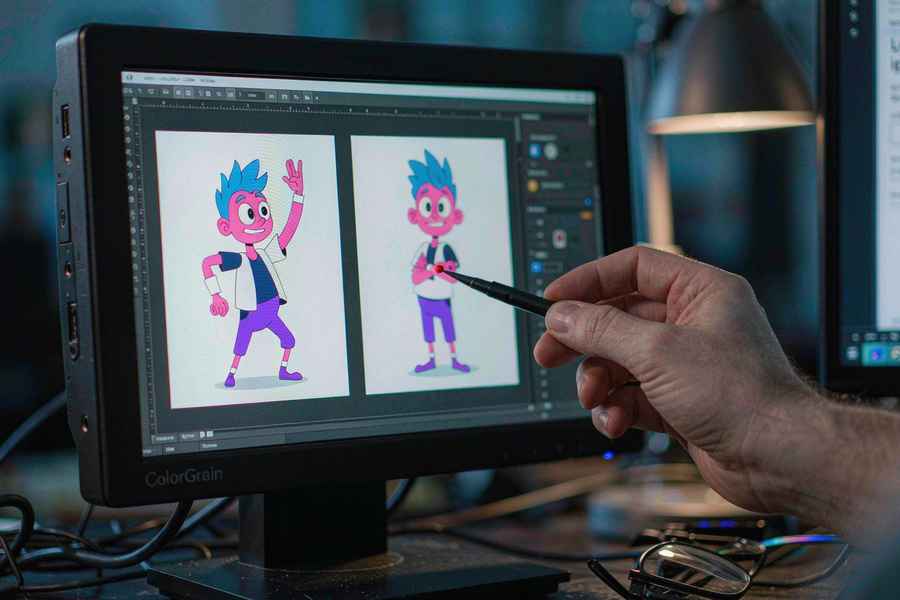
The honest answer is: the same pipeline a small production team runs, minus the arguments.
Read the premise. Decide on a tone. Write a script with scenes. Pick a visual style and hold it. Describe each scene as a shot with a camera position and a subject. Generate keyframes. Choose between candidates. Animate. Assemble. Check whether the assembled thing still matches the premise it started from.
The interesting failure mode is at the last step. Video models drift. A character's jacket changes colour between shots. A room that had two windows has three. When a human editor catches that, they reshoot or they cut around it. When an agent catches it, it has to decide whether to regenerate — which costs money — or accept the drift. ViMax's answer, as far as the README shows, is to lean on keyframe selection and on the script staying fixed. It doesn't advertise a consistency checker.
That's the thing to test first if you're evaluating this seriously. Not "can it make a nice 30 seconds." Ask it for four shots of the same character walking through the same street, and count how many times the street changes.
Where this fits, and where it doesn't
ViMax is not competing with Runway's timeline or with a proper NLE. It's competing with the blank page. The realistic use case is the one the repo's own example implies: short, self-contained pieces where the whole thing can be specified in a paragraph — a children's story, an explainer, a proof-of-concept for a pitch that doesn't have a budget yet.
It's also a genuinely useful reference implementation if you're building your own agent. The separation between idea2video and script2video is the right seam: one is a creative agent, the other is an execution agent, and most people building this kind of tool blur them into an unmaintainable mess.
Two caveats worth stating plainly. First, the README doesn't declare a license. For a repo at 12.8K stars that's not a detail, it's a blocker for commercial use until it's clarified. Second, the cost model is invisible. There's no budget cap, no per-run estimate, and no dry-run mode in the quick start — the first time you learn what a four-scene cartoon costs is when the bill arrives.
OpenMontage, the other big agentic video repo this month, went the opposite way: hard gates, a stated $10 default cap, a fifty-cent approval threshold per action. ViMax went for flow. Both are defensible. Only one of them will survive contact with a finance department.
The part that will age well
In a year, the video models ViMax calls will be better and cheaper, and someone will have rewritten the config schema. What probably survives is the interaction pattern: give the system a premise, not a prompt; let it show you keyframe candidates instead of one take; keep the script as the contract that shots have to satisfy.
That pattern is already showing up everywhere — in video-to-game, where a generated clip becomes the design document a coding agent has to match; in OpenMontage, where a pipeline pauses for approval at every creative gate. The industry spent two years arguing about which model wins. The more useful argument, the one these repos are actually having, is about who's allowed to make the second decision.
Related articles
The Jensen Discount: What Nvidia Loses When Its Founder Walks Out
Nvidia lost roughly $600 billion in market value when its founder stepped down. The earnings did not change. The multiple did, and that says where the value really lived.
Chinese text in video always turns to mush. Dreamina handed the typesetting to code
Dreamina launched Motion Studio on November 10. It no longer generates frames; the model writes code that lays out text, shapes and pacing. Chinese titles stop blurring, but whether the content is right is still on you.
A community spreadsheet of taps that turns off the ads inside Chinese Android builds
A no-root tool that switches off the ads Chinese phone makers ship inside the system UI. Its method is a hand-written tap script per phone model, maintained by volunteers every time a ROM moves. It works, and the maintenance is the point.
GPT Image 2.6 held the token price and raised the bill
GPT Image 2.6 kept every token rate from 2.5 and still costs more per image, because more of the work now happens in output tokens. Eleven days into the ramp, the pricing structure says more than the leaderboard does.