
The Agent That Works Your Phone on a Screen You Never See
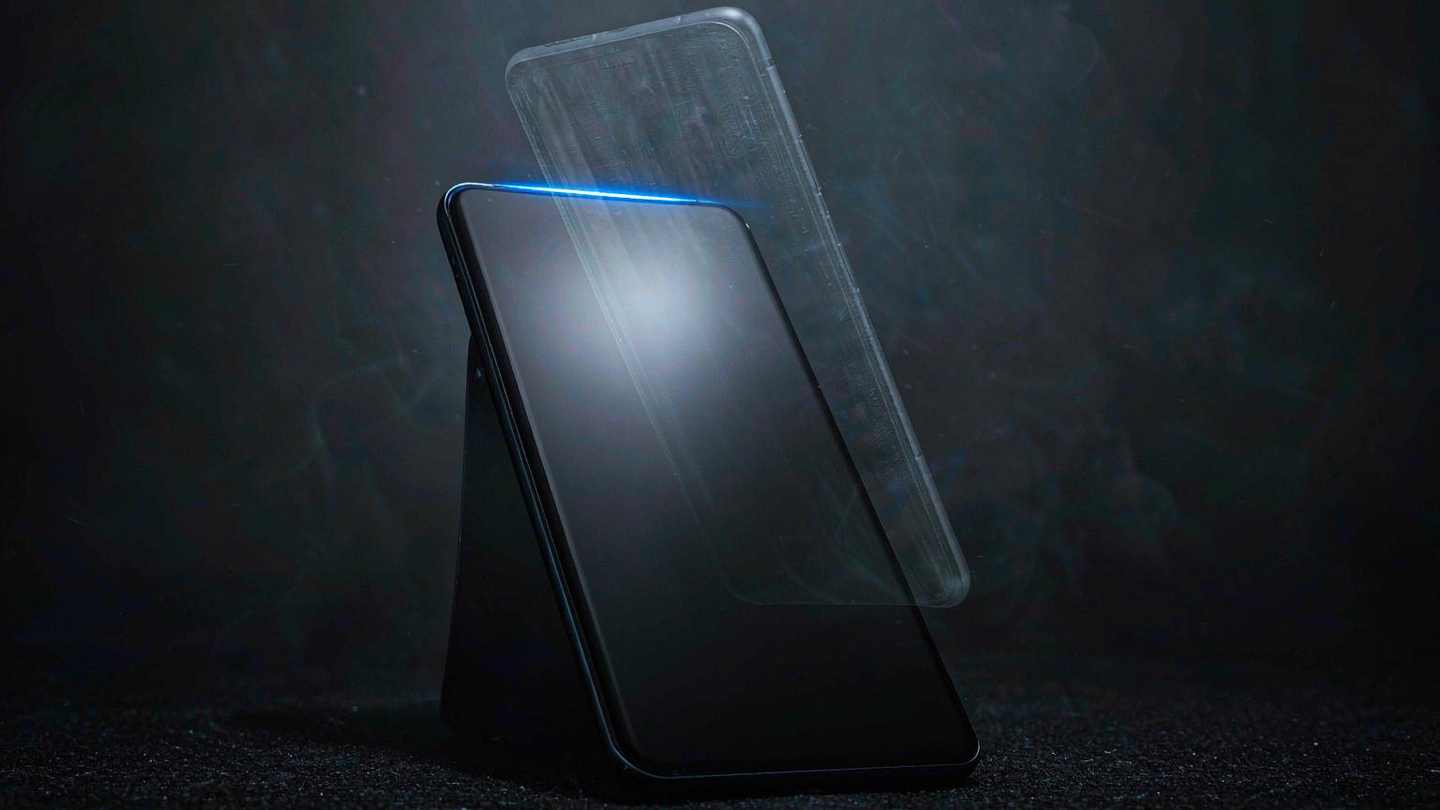
The first thing worth knowing about Mika is what it does not take from you: your screen.
Every phone agent I have tried works the same way. It takes over the display, taps through your apps at the speed of a nervous intern, and hands the phone back when it is done. You cannot use your own device while it works. Mika runs the whole thing on a second, hidden screen, so you keep scrolling while it messages someone on your behalf.
It is an Android app, Apache-2.0, written in Kotlin, sitting around 7,500 stars after a month on GitHub's trend list. There is no server. You bring a model key, or sign in with an account you already have.
How the background screen works
Android has supported virtual displays for a long time — it is how casting and screen recording are implemented. Mika uses one as a workspace: apps open there, the agent taps and types and scrolls there, and a small floating live view lets you watch when you want to. Double-tap a capsule and the agent can see what is on your screen instead, which is how you ask "how should I reply to this?"
The clever part is that the agent does not need per-app integration. It looks at the screen and finds buttons the way a person does. No APIs, no plugins, no cooperation from the app developer. That is also the uncomfortable part, and I'll come back to it.

Setup is three steps, one of which is unusual
Install the APK from the releases page, Android 11 or newer. Pick a model provider in Settings and paste a key, or sign in with a ChatGPT, xAI or OpenRouter account. Optionally point it at a model running on your own machine over the local network — the README explicitly supports a custom endpoint.
The third step is where it gets interesting. To operate other apps, Mika needs Android's wireless debugging enabled and paired, once. That gives it the permissions to create the virtual display and inject input. The setup wizard walks you through it, and there is a documented fallback over USB for phones whose ROM hides the wireless debugging toggle.
That is a real technical decision with real consequences. It means Mika works on phones that will never ship an accessibility-service-based agent, and it means the permission you grant is broader than a normal app's. The README is honest about the trade: Android turns wireless debugging off when you change Wi-Fi or reboot, so Mika re-enables it with your permission, and you may have to re-pair.
What it is actually good at
The demo GIFs are the most useful part of the repo, because they show ordinary, boring tasks rather than magic. Reading a WeChat group and summarising what was said today. Adding a charger under $30 with a 4.5-star rating to a cart and stopping before checkout. Reading a creator's recent posts on Xiaohongshu and summing them up. Greeting recruiters for three job listings. Watching ads to unlock music perks. Ordering takeout with stacked discounts and asking before paying.
That list is a good map of the value. These are tasks with clear success conditions, no creativity, and a boring interface. Precisely the work nobody wants to do on a phone, and precisely the work that a screen-reading agent can do without any API.
The use of Chinese apps in the demos is not incidental. WeChat and Xiaohongshu have no public automation APIs and never will, which makes them the perfect stress test. The README notes Mika isn't tied to them, and that's true — but the reason those apps appear in the demo is that "any app, no integration" only proves itself on apps that refuse to be integrated.
The guardrails are the design
Two things stand out.
First, it hands off the dangerous parts. Logins, verification codes and payments are given back to you. Pages that block screenshots — payment flows, password entry — are handed over too. The agent is instructed to stop at the checkout button, not press it.
Second, there is no Mika server. API keys and memories are encrypted on the device, conversations and run records stay local, and the only outbound call that isn't the model provider is an update check against GitHub. If you are the sort of person who reads the privacy section before installing, that section was written for you.
It also remembers preferences you state, and turns completed tasks into reusable skills — so the second time you ask for the same thing, it does not rediscover the app's layout. That is the same "learn the repo once" idea that has been spreading through coding agents, applied to a phone.
The part that will get it banned somewhere
Operating third-party apps automatically may violate their terms of service. The README says this plainly, and then says to use your own judgment and prefer Ask mode for anything important.
That sentence is doing a lot of work. Screen-reading automation at scale is precisely what platform anti-abuse teams are built to detect, and a tool that runs on your own device with your own account is both the most legitimate version of this idea and the hardest to distinguish from the abusive one. If you use Mika to read a group chat, nobody cares. If ten thousand people use it to farm engagement, the apps will respond, and the response will not be polite.
There is also a security angle worth stating: an agent with a virtual display and input injection can do anything you can do in those apps. Granting that to an app that talks to a third-party model provider — even one you chose — is a trust decision, not a feature decision.
Why this matters beyond one app
The interesting claim in Mika is architectural, not functional. For two years, the assumption has been that phone agents need app cooperation: an API, an intent, a plugin. Mika demonstrates that the second screen plus input injection is enough, and that this path works on every app that refuses to cooperate.
That means the ceiling on phone automation is not technical cooperation. It is policy. Which is a different fight, and one that will be fought app by app, in terms of service, for the next couple of years.
Two practical limits worth knowing before you install it. It is Android only — there is no iOS path, and given how Apple treats virtual displays and input injection, there probably will not be one soon. And it is a one-person project with a young issue tracker, so treat the ROM compatibility list as anecdotal rather than certified. If your phone hides wireless debugging, the USB fallback exists but is genuinely more fiddly than the wizard.
Meanwhile, in the narrow band where it is clearly fine — reading, summarising, filling forms, stopping before payment — Mika is the most usable thing I have seen on Android, and it is the only one that does not take your phone hostage while it works.
Related articles
AMD Got 19 Percent for Being the Other Option
Money did not leave AI. It left the one name with a governance problem and went to the two without one.
The $99 Billion Loop Nvidia Built Around Its Own Customers
Selling shovels is a good business. Lending money to the people buying shovels is a different one.
The 74 Percent Gross Margin Has a Shelf Life
Three forces arrive in the same four quarters, and each one costs about $3 billion per point.
175,000 Signatures Will Not Put Him Back. Here Is What Would.
The longer the campaign takes to win, the weaker its case becomes. That is the trap built into it.