
Native Transparency Is Quietly the Most Useful New Feature in AI Images
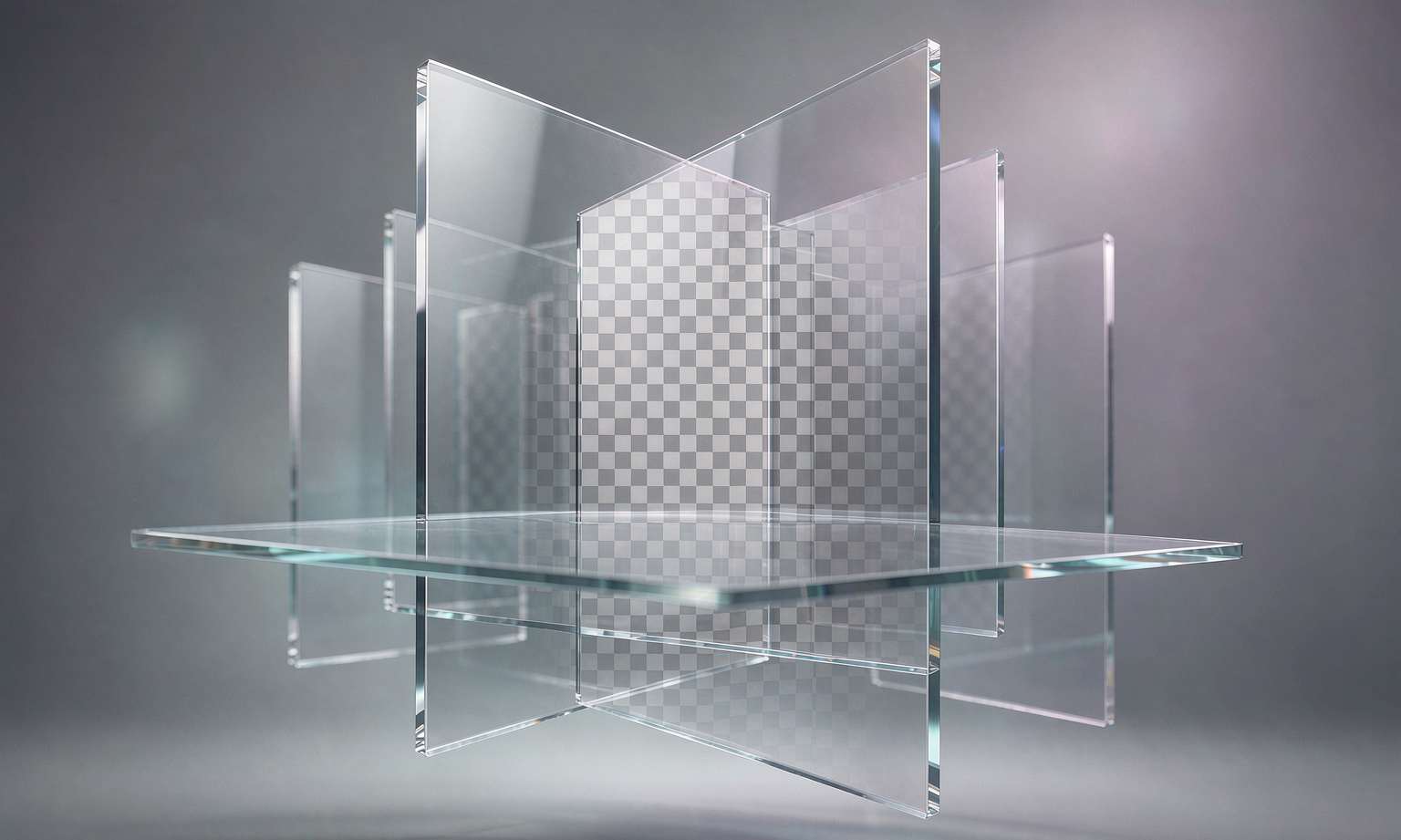
Ask someone what they want from an AI image generator and they will say realism, style, or speed. Ask a designer who actually ships work and you get a different answer: a transparent background.
That humble feature, the alpha channel, has been a gap in AI image models since the beginning. Most generators produce a flat rectangle. To get a logo, a product cutout, or an element you can drop onto another design, you had to run the image through a background remover afterward, a separate step with its own artifacts and edge problems. The remover would chew up the edges of hair, smear translucent material, or leave a halo of the old background. Then you would fix it by hand. It was the kind of friction that made AI image generation feel like a toy for finished pictures rather than a tool for real work.
Qwen-Image 2.1 closes that gap by building transparency into the model itself. A single prompt can request a regular image or an RGBA image with a real alpha channel. No separate model, no post-processing step. That sounds small until you think about how much of real design work is layering elements over other elements. A transparent image is a building block. A flat rectangle is a dead end.
Alibaba had actually shipped a dedicated transparency model before, Qwen-Image-Layered, in December 2025. The significance of 2.1 is that it folds that capability into the unified generation-and-editing model. Transparent layers can now be edited directly. Change a character's expression while keeping the background clear. Swap the text embedded in a transparent layer. Lift the subject out of a real photograph as an RGBA cutout that you can place anywhere. The model is not just generating transparency, it is preserving it through edits, which is the part that actually matters for a workflow.
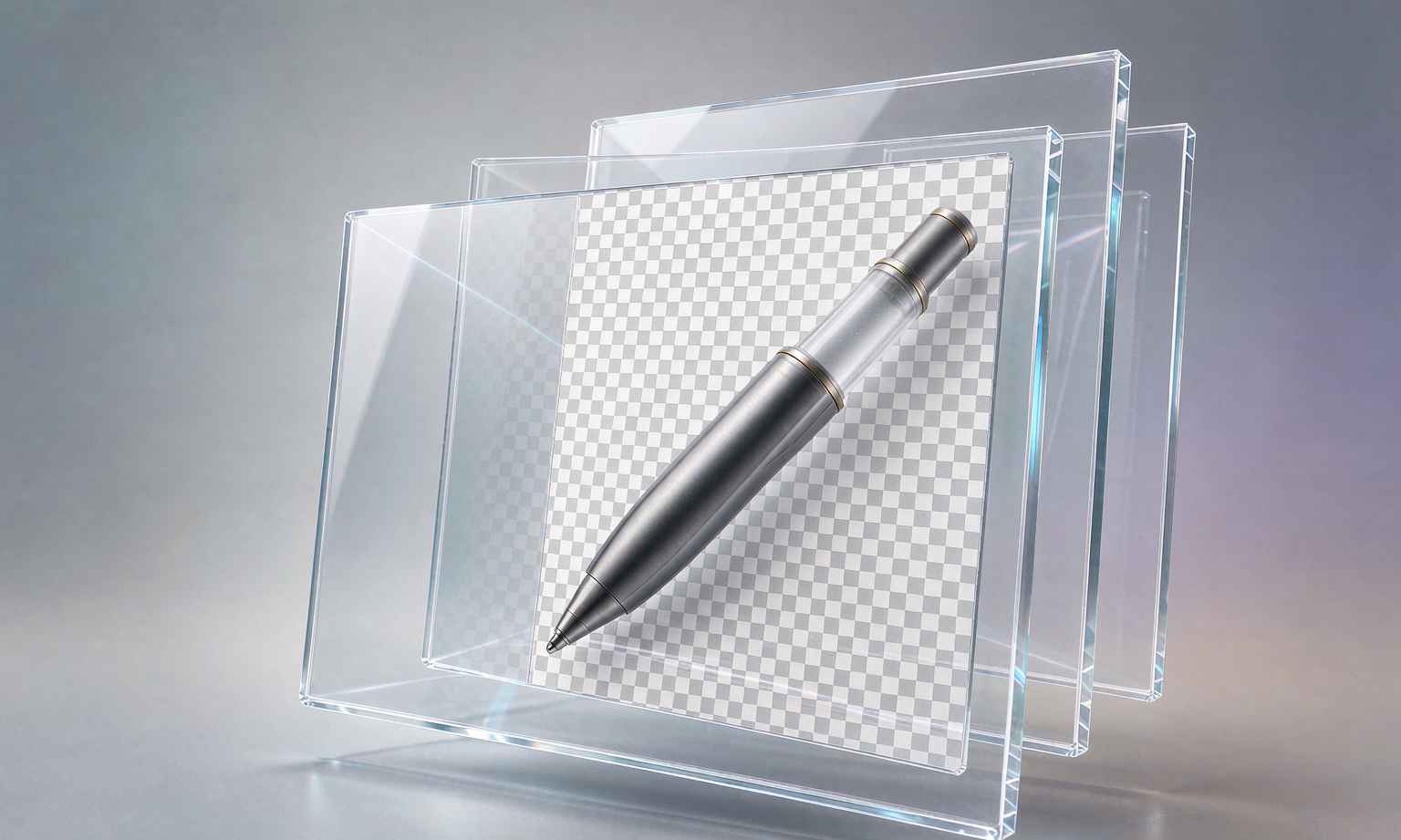
The use cases are immediate. E-commerce sellers need product shots on clean backgrounds they can composite into banners and listings. UI designers need icons and illustrations without backgrounds. Game developers need sprite assets with clean edges. Content creators need elements to drop into thumbnails, covers, and overlays. All of these previously required a chain of tools, generator, then remover, then cleanup, then composite. With native transparency, the generator hands you the layer ready to use, and you skip the middle steps.
There is a deeper shift here about what image models are becoming. The first wave was about producing a single, self-contained picture, the "wow, look what it made" era. The next wave is about producing assets that fit into a workflow, the "look what I can do with this" era. Transparency, editing, and multi-image composition all point the same direction: the model stops being a vending machine for finished pictures and starts being a tool that hands you raw material you can combine.
That matters for how people judge image models. The benchmark scores that get quoted in launch posts mostly measure whether a single image looks good, whether it is photorealistic, whether the text is legible, whether the hands have the right number of fingers. They do not measure whether the alpha channel is clean, whether the cutout edges are sharp, whether the transparent layer survives an edit, or whether the model respects the parts of the image you did not ask it to change. Those are the qualities a professional notices within five minutes of actual use, and they rarely show up in a leaderboard.
This is part of why the AI image conversation keeps splitting in two. There is the public conversation about models, benchmarks, and breakthroughs, and there is the private conversation among people who use these tools for a living, about workflow, edges, layers, and control. Transparency belongs to the second conversation, which is why it gets so little press despite mattering so much. It is not photogenic. You cannot show off an alpha channel in a tweet the way you can show off a photorealistic dragon.
For the open source scene, native transparency in a 7-billion-parameter model is another sign of the floor rising. A year ago you needed a specialized model or a paid API to get clean transparent output. Now it is a feature of a model you can run locally on a midrange GPU. The practical effect is that small teams and solo creators get access to a capability that used to be an enterprise feature, and the cost of experimenting with layered, composable image work drops to essentially nothing.
There are still limits. Transparency generation is finicky around fine detail, hair, fur, smoke, anything translucent or wispy. The model can produce a clean cutout for a solid object and struggle with a character's flyaway hair. These are the same edges that challenged background removers, and the model has not magically solved them, it has just moved them inside the generation step where they are easier to iterate on. That is progress, but it is not perfection.
The feature is easy to underrate because it is invisible. A transparent background is defined by what is not there, and you cannot point to the absence of a background in a hero image. But for the people whose daily work involves cutting out a product, isolating a subject, or building a layered composition, it is the difference between a model that makes pictures and a model that makes assets. That is the upgrade hiding behind an unglamorous acronym, and it is quietly more useful than most of the flashier features announced this month.
It is worth zooming out on why transparency took this long to arrive. The alpha channel is a solved problem in computer graphics, it has been for decades. The reason AI image models lagged on it is not that it is hard in principle, it is that the models were trained on flattened RGB images scraped from the web, and the web mostly stores finished pictures, not layered working files. There is simply not much transparent-image data out there to train on, because people do not publish their Photoshop files. So the models learned to produce rectangles, and transparency had to be engineered in after the fact, either through a separate model or through careful curation of synthetic transparent data.
That explains why Qwen-Image-Layered existed as a separate model before it could be folded into the main one. It takes real work to teach a model what "transparent" even means when the concept is under-represented in the training data, and it takes more work to make that understanding survive an edit. The fact that 2.1 does both in a unified model, at 7B parameters, suggests the team invested serious effort in a capability that will never make a splashy benchmark leaderboard.
That kind of investment is a signal in itself. When a lab spends effort on workflow features like transparency and local editing rather than just chasing benchmark scores, it is betting that the market for image generation is professional use, not just novelty. It is a bet that the people who matter are the ones who need to ship a clean asset on a deadline, not the ones who want to generate a cool picture to post once. Whether that bet pays off is the central question for the whole image generation industry, and native transparency is one of the clearest expressions of it.
Related articles
Training Text-to-Image Models Just Got 3.6 Times Faster
The efficiency frontier is moving as fast as the capability frontier. A 3.6x training speedup is the kind of progress that shows up later as a model you can actually run.
Ten Reference Images at Once: AI Image Editing Moves from Single Shots to Composites
Single-image editing makes variations. Multi-image editing makes combinations. What ten references at once changes about how we prompt and compose.
Alibaba's Qwen-Image 2.1 Just Changed the Open Model Licensing Conversation
The technical specs are impressive, but the license is the real story. Qwen-Image 2.1 drops Apache 2.0 for a research license, and the fine print now matters more than ever.
Tongyi Wanxiang Qwen-Image 2.1 Goes Open Source: How a 7B Small Model Fits Transparent Images and 10-Image Editing on a Single Consumer GPU
A 7B open-source image generation model — how does it squeeze transparent images and multi-image editing onto a 6GB GPU? Breaking down Qwen-Image 2.1's core upgrades and its licensing shift.