
In Figma Weave, the Prompt Is a Draft and the Node Graph Is the Asset

Every AI image tool of the last three years has had the same shape: a box, a prompt, a result, and then a slow forgetting. You generate something good on Tuesday, come back on Thursday, and the thing you made is a file with no memory of how it happened. The prompt you saved is a partial record at best — it does not contain the model version, the reference image, the crop, the color pass, or the four branches you abandoned along the way.
Figma's Weave is an attempt to fix that specific problem, and it is worth being precise about what it is and is not. It is not a new image model. It is not a launch of a brand-new product, despite some of the coverage. Figma introduced the connection between Weave and Figma frames at Config in June, announced community tool publishing on September 16, and made Weave tools inside Figma Design generally available on October 6, at which point they started drawing on the same Figma AI credit budget as other shipped AI features. The October 31 announcement was a creative-workflow overview. The distinction matters because a lot of people read "announced" as "shipped," and then get confused when the feature behaves like something that has been live for a month.
What a node buys you
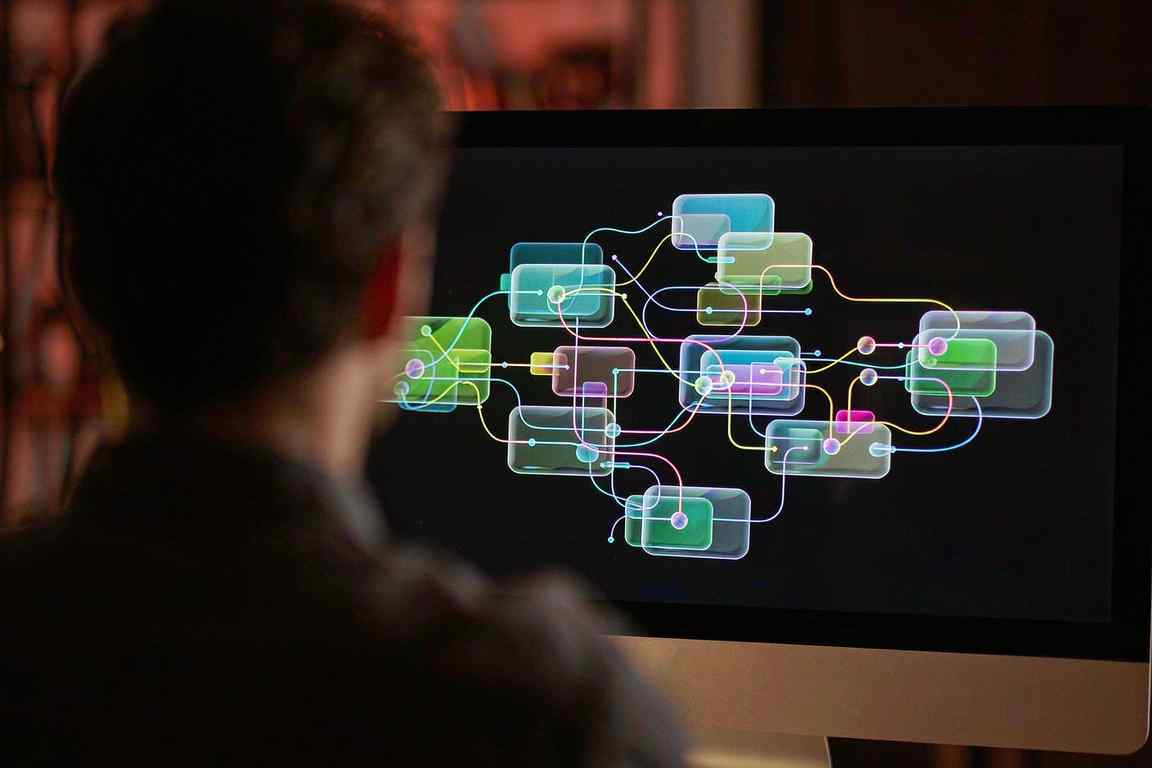
Weave puts generation and editing on a canvas as connected nodes. Source material, prompt, generation, then edits — color correction, levels, compositor, trim, crop, painter. Because the sequence is visible, you can go back to any stage and change one thing without rebuilding the whole chain.
Two affordances follow from that, and they are the actual product. First, branches: you can explore an alternative without throwing away the path you came in on. Second, multi-model comparison: run the same prompt through different models and look at the results side by side instead of arguing about which one "feels better" from memory.
The third affordance is the commercial one. A working workflow can be packaged as a Weave tool — an interface around the graph, so a colleague can run it without touching the nodes. Figma has published community tool examples, including Mallory Dean's Interior Design Moodboard to Render and Jan Gericke's Image Reframer. Whether those tools survive their creators is an open question, and a fair one: a lot of internal tooling dies the moment the person who built it changes teams.
The frame connection is narrower than it sounds
Here is the detail that will trip people up. Connecting a Figma frame to Weave is not two-way sync. You copy a frame into Weave with text or image inputs connected to layers; doing so does not immediately change the original file. After the connection exists, changes from Weave push automatically. Changes made directly in Figma require you to hit Update in Weave.
That asymmetry is not a bug, it is a boundary. Weave is upstream. The design file is the source of truth for layout, and nobody wants a generative node quietly rewriting a production frame at 2am. But it does mean the "seamless round trip" fantasy in your head is wrong, and the team should know that before they promise it to a client.
What actually got packaged
The interesting shift is not that Figma added nodes. Compositing graphs have existed for thirty years. The shift is that Figma is treating a prompt-and-model pipeline as a distributable artifact inside a design organization.
Think about what a new hire receives today. Usually a brand book, a component library, and a doc titled "image prompts that work" that was last updated in March and is already wrong because the model changed. With Weave, they could receive a tool: an input field, two or three choices, a button. The knowledge lives in the graph, not in someone's head.
What the graph still cannot do is anything conditional. There is no if-this-then-that, no loop over a folder of forty product shots, no way to say "rerun this branch when the model version changes." A node graph is a pipeline, not a program. Anyone who has spent time in a node-based compositor knows the moment when you want one tiny piece of scripting and end up building a second pipeline beside the first. Figma has not advertised an answer to that, and the silence is informative: the first version is built for exploration, not for the forty-SKU catalog run that actually pays for the tooling.
There is a credit question too. Weave tools inside Figma Design draw on the same AI credit budget as the rest of Figma's shipped AI features, so a team that builds an ambitious workflow has quietly given itself a recurring bill it did not have last quarter. Exploration is cheap. A graph that runs two hundred times a week is not.
That is a real improvement in organizational memory. It also creates a new kind of debt. A graph is only as good as its assumptions, and those assumptions expire. The model behind a node gets deprecated. A color-correction step was tuned for one campaign's lighting. A crop was designed for a 4:5 placement that the brand has since abandoned. Nobody versions a node graph the way they version a component library, and there is no lint rule that tells you your pipeline has rotted.
Reuse is not reproducibility
The most honest sentence in the coverage of Weave is a caution from remio.ai's write-up: reusing a sequence preserves the operations, but does not guarantee an acceptable generative result when new source material is used. That is exactly right, and it is the thing that separates a workflow tool from a manufacturing process.
A Photoshop action is deterministic. Run it on the same input, get the same output. A generative node graph is not. The operations are stable; the model's response to new input is not. So the value of Weave is not that it makes output repeatable. It is that it makes process repeatable — and separates "the process was wrong" from "the model had a bad day," which are two very different problems with two very different fixes.
The comparison everyone will make
Adobe has Firefly Boards, described as a shared workspace for visual exploration with image and video generation, reference collection, remixing, real-time collaboration and connections into Creative Cloud apps. On paper the two overlap heavily. Neither company has published anything that establishes one produces better results, and "better" would depend on the model anyway, since both are front-ends to a moving set of generators.
The real difference is where the file lives and who it is for. Adobe's gravity is the production suite: Premiere, After Effects, Photoshop, a pipeline that ends in a master file. Figma's gravity is the design system: components, tokens, frames, a pipeline that ends in a handoff. Weave is betting that the AI work belongs next to the handoff, not next to the render.
That bet will be settled by a boring metric. Not how good the demo looks, but whether a team's third campaign reuses the first campaign's tool without rebuilding it. If they do, Weave becomes infrastructure. If they rebuild every time, it becomes a very pretty canvas that people open when the client asks for "something different."
Related articles
AMD Got 19 Percent for Being the Other Option
Money did not leave AI. It left the one name with a governance problem and went to the two without one.
The $99 Billion Loop Nvidia Built Around Its Own Customers
Selling shovels is a good business. Lending money to the people buying shovels is a different one.
The 74 Percent Gross Margin Has a Shelf Life
Three forces arrive in the same four quarters, and each one costs about $3 billion per point.
175,000 Signatures Will Not Put Him Back. Here Is What Would.
The longer the campaign takes to win, the weaker its case becomes. That is the trap built into it.