
Google Pics Puts Nano Banana Inside Docs and Slides, and Canva Should Watch
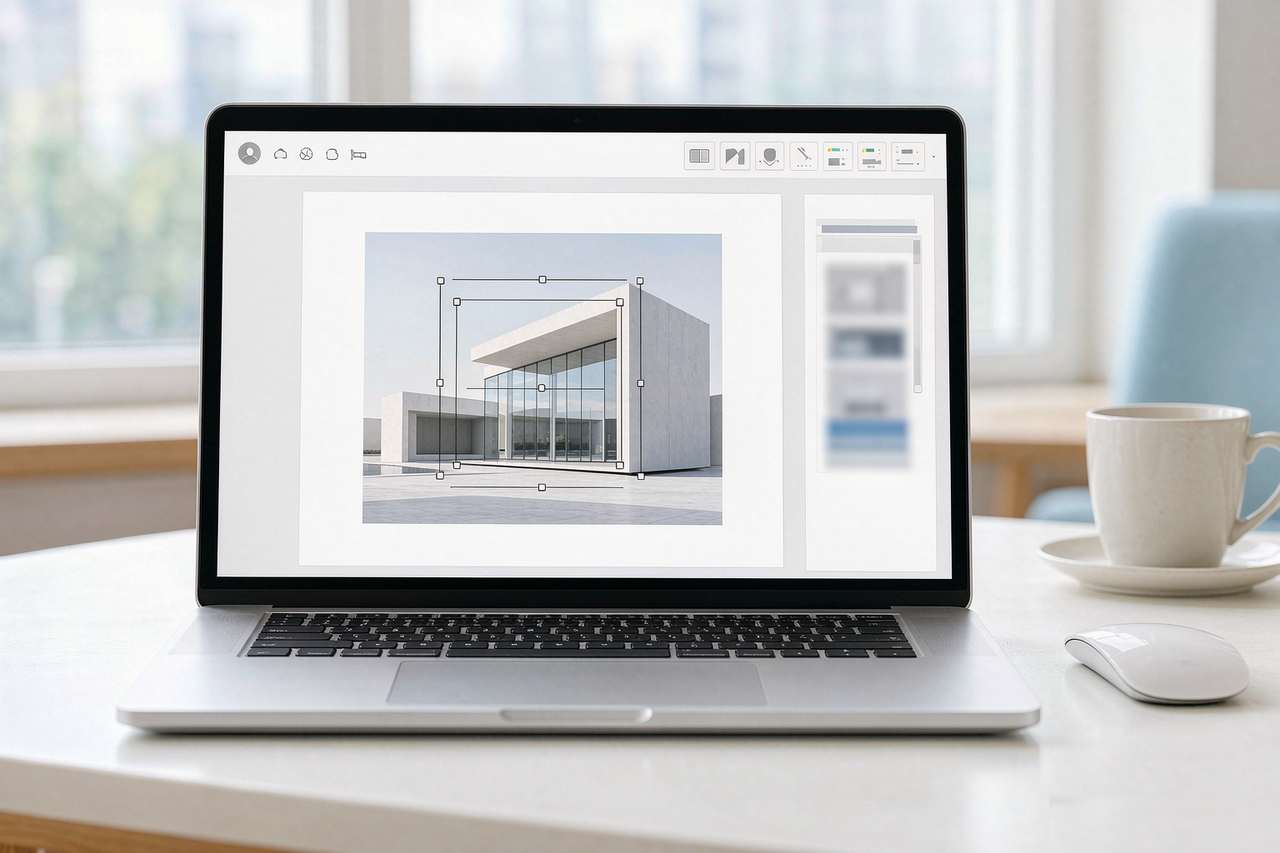
Google announced Google Pics on September 1, 2026, and the most important thing about it is not the model. It is the distribution. Pics is Google's Nano Banana image model wired directly into Google Docs and Google Slides, with Drive to follow in the coming weeks. That is a Canva competitor shipped into an office suite with billions of users.
The product is also a standalone app at pics.new, but the standalone app is not the story. The story is that an image inside a document can now be edited without ever leaving the document. That removes a step that has quietly shaped how people make visual content for a decade: export, open another tool, edit, save, re-import. Google just deleted it.
What the editor actually does
The published feature list leans on editing rather than generation, which is the harder half of image AI and the half generic tools handle worst.
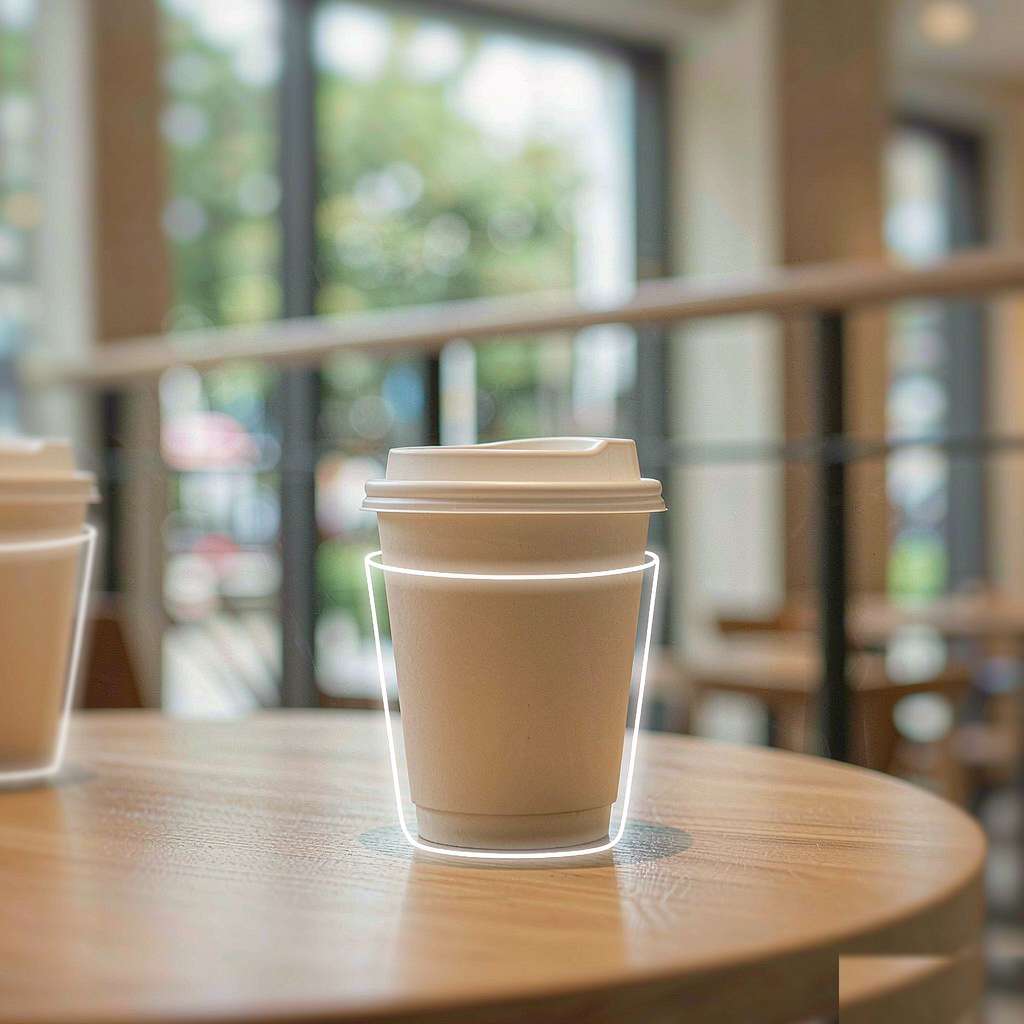
Object segmentation isolates one element so it can be moved, resized, transformed, or modified while the rest of the picture stays put. You can point at the coffee cup in a product photo and change it without regenerating the whole scene.
Text comments attach to specific areas of an image, and several edits can be requested at once. That is a small thing that changes the feel of the tool entirely. Instead of issuing one command and waiting, you annotate like you are marking up a design review.
In-image text editing is the feature that could matter most for business. Pics can modify or translate text that already appears inside an image, and it does so without disrupting the layout or changing the font. For a company making a poster in five languages, that is the difference between reworking the design and just relabeling it.
A single prompt returns several generations, so you choose among options rather than running the prompt again. And because Pics lives in Workspace, several people can edit a shared creation together.
The catch is in what Google did not say
The announcement leaves out the numbers that decide whether a tool fits real work.
There is no published quota. No images per day, per month, or per tier. No separate price, since access is bundled into Google AI Pro, Google AI Ultra, and most Workspace business plans. And no list of supported languages, which matters most for the translation feature. Translating text inside a graphic is a language-coverage question before it is an editing question, and Google named no languages at all.
The rollout is also deliberately gradual. Availability is expanding over the coming weeks, and Google uses the word "most" to describe which Workspace plans get it, without naming the ones that do not. For anyone planning to lean on this in production, those gaps are the difference between a tool and a promise.
Why the timing is not a coincidence
Pics landing now is not an accident. It is the same move every platform is making this season, just executed from a different position.
OpenAI put editing at the center of Images 2.5. xAI built its whole second model around region editing and background removal. Adobe has been pushing Firefly deeper into Photoshop and Illustrator. Google is doing the same thing but from inside the office suite, where the audience is not designers but everyone who ever had to make a slide look less terrible.
The strategic logic is the same in every case: the generation problem is mostly solved, so the value is moving to the edit. A model that can draw a picture is table stakes now. A tool that can change the picture in front of you without a round trip to another app is where the differentiation lives.
Google's version of that differentiation is the strongest by one measure, and the weakest by another. It is the strongest because no competitor can match the distribution of an office suite with billions of users. It is the weakest because Google has not yet answered the enterprise questions that Adobe answered years ago, on training data, indemnification, and brand safety.
Who this actually threatens
The obvious target is Canva, and TechCrunch framed it that way. But the more precise threat is to the whole habit of leaving the document to make a graphic.
Canva's moat has never been raw image quality. It is that non-designers can make a decent social post or flyer without learning a real design tool. Google Pics attacks that moat from inside the place those non-designers already spend their day. A teacher making a slideshow, a marketer drafting a one-pager, a salesperson building a deck: they are the market, and they were never going to pay for a separate design subscription.
Adobe Express is in the same line of fire, though Adobe has a stronger defense. Firefly is trained on licensed content and carries indemnification, which is the thing enterprises actually buy. Google has not answered that yet, and it may not need to. Its play is volume and convenience, not legal cover.
The practical upshot is a quieter version of the AI story: the tool that wins is often not the one with the best model, but the one already open on the user's screen. Google just put image editing on the screen where billions of people already are. That is a harder position to dislodge than any benchmark lead.
The bigger shift
Pics is the clearest sign yet that AI image tools are moving out of the "generate a picture" phase and into the "edit the thing in front of you" phase.
Every major release this season points the same way. xAI's Imagine Image 2.0 made region editing its centerpiece. OpenAI's Images 2.5 emphasized edit stability and comment-based changes. Google Pics goes further and puts those editing controls inside the document itself.
The implication for creators is straightforward. The valuable skill is shifting from writing better prompts to giving better edit instructions. The model does the drawing. The human does the judging and the directing. Google just made it possible to do that without ever opening a second app, and that convenience is exactly what wins over the mass market that never cared about image models in the first place.
Related articles
Meta's Muse Image Costs About a Cent a Picture, Aimed at Advertisers
About a cent per image, aimed at advertisers: what Meta Muse's pricing means for ad creative and the two-lane image market.
DALL-E Is Gone. Here's Why the Name That Started AI Art Faded Out
OpenAI retired the DALL-E GPT on August 30, 2026. What changed, why now, and what the name meant for AI art.
Grok Imagine Image 2.0 Is xAI's Argument That Editing Is the Real Job
Image 2.0 ranks second on both image arenas with region editing, 5-image fusion and smart resize. The editing-first bet, explained.
ChatGPT Images 2.5 Is Faster, Sharper, and Finally Lets You Sketch
Images 2.5 cuts latency up to 50%, adds Sketch, and stabilizes multi-turn edits. What changed and who should care.