
Diagram Design Treats Taste as a List of Rules a Machine Can Check
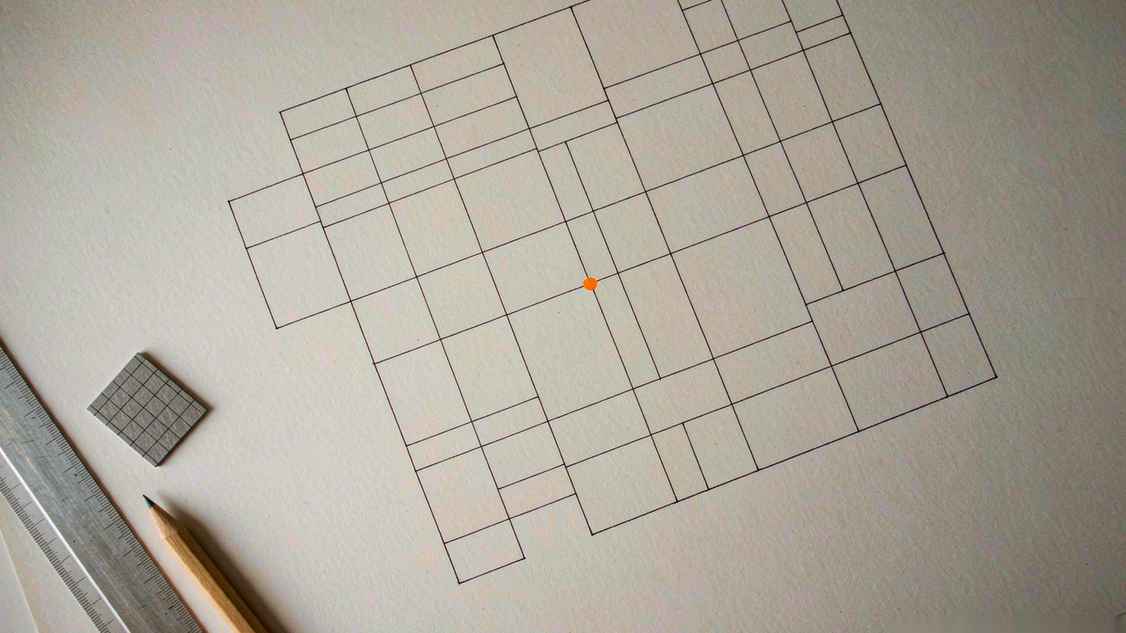
Every AI-generated diagram looks the same. You know the look: rounded boxes, a purple-to-blue gradient somewhere, drop shadows on everything, arrows that end slightly off the box edge, and a font that screams "default." It is the visual equivalent of a press release. Technically it communicates. Nobody wants to read it.
Diagram Design, an agent skill from Cathryn Lavery, is a direct assault on that look. Its tagline is unusually blunt for a README: one self-contained HTML plus SVG file, in your brand, 45 diagram types, no shadows, no Mermaid slop.
That last phrase is the thesis. The project is not trying to make diagram generation smarter. It is trying to make the output look like a person with taste made it.
What it actually produces
You describe the diagram you want, the agent writes a single HTML file with inline SVG, and you double-click it. No build step, no render pipeline, no dependency on a service. The file opens offline and looks the same in five years.
The library covers a genuinely wide range: architecture and architecture-delta diagrams, deployment, dependency graphs, UML class, database schema, flowcharts, sequence diagrams, state machines, swimlanes, data flow, plus a full stack of charts (bar, line, scatter, treemap, radar, polar, waterfall, heatmap, sankey) and structural forms (trees, org charts, layer stacks, Venn, pyramids, medallions). Strategy and planning get quadrant charts, Wardley maps, Gantt, timelines, kanban, story maps, and user journeys. There is even an exploded axonometric for spatial work.
Each type ships three static variants: minimal light, minimal dark, and a full editorial treatment. One small inconsistency worth noting — the repository title says 44 types while the body says 45, and the gallery is numbered 01 to 44. A project this obsessive about its own grid has a typo. It happens.
The part that makes it work: the rules
The design system is where the effort went, and it is stated in numbers rather than adjectives.
One accent color per diagram. The accent is used to pull attention to one or two elements. Everything else is ink, paper, and muted grey. This single rule eliminates most of the visual noise that makes AI diagrams feel like a dashboard from 2016.
Three typefaces, each with a job. Instrument Serif for titles and italic annotations. Geist sans for node names. Geist Mono for technical sub-labels — ports, URLs, field types. The mono-for-technical-detail rule is the kind of thing a working designer does instinctively and a generator never does at all.
A 4-pixel grid. Every coordinate, width, gap, and padding value must be divisible by four. The author calls this the key to the output not feeling AI-generated. She is right, and the reason is subtle: misalignment is the tell. You do not notice that a box is 137 pixels wide. You notice that something feels off, and you cannot say why.
Hairlines, no shadows, radius capped at 10px. Borders do the work that shadows usually do, and they do it without pretending the diagram is a physical object sitting on a surface.
Target information density: 4 out of 10. This is the rule that most teams will resist and most readers will thank them for. The stated principle is that the highest-quality move is usually deletion.
Accessibility is not an afterthought either. SVG output carries role="img", aria-labelledby, and title/description elements; reduced-motion preferences are respected; WCAG AA contrast (4.5:1 for text, 3:1 for key marks) is enforced in CI. The default palette is jet black and tangerine on a smoky white paper.
Brand onboarding is the sleeper feature
You give it your website URL. It scrapes the colors and fonts and maps them onto semantic roles: paper, ink, muted, accent, link. Then it hands you a fidelity receipt telling you what it inferred and where it guessed.
That last part matters more than the scraping. Brand extraction tools usually hand you a palette and shut up. Showing you the inference is what lets you correct it before you produce forty diagrams in the wrong orange.
There is also an import path: point it at a Mermaid, draw.io, or Excalidraw file and it redraws the diagram in the design system, with four dials — format, size, detail, audience — and a fidelity ledger. Migrating a wiki full of Mermaid charts is exactly the use case this was built for.
Where it fits, and where it does not
Installation is deliberately boring. npx skills add cathrynlavery/diagram-design for anything that reads Agent Skills; plugin marketplace commands for Claude Code, Codex, GitHub Copilot, and Factory Droid; symlinks or subdirectory imports for Cursor, Cline, Gemini CLI, Windsurf, Amp, Zed, Kiro, and OpenCode. There are slash commands for export, import, profiling, and a doctor check.
The author is refreshingly clear about the limits, and they are the right limits.
Quality depends on the model. The same prompt can produce two different layouts, because you are getting generated geometry, not a template fill. There is no editable source: no canvas to drag, no text you can diff in a pull request. For documentation that changes weekly, she recommends Mermaid — it diffs, GitHub renders it natively, and that is worth more than beauty.
She also asks a question more tool authors should ask: will a reader get more from this diagram than from a paragraph? If the "diagram" is one labeled box, write the sentence. If you are comparing two lists, use a table. If you want ASCII art for a terminal, this is not the tool.
The output is a file, not a service
One design decision here will look smarter every year: the deliverable is a single HTML file with inline SVG, and it opens offline. No account, no embed script, no dependency on a vendor that might reprice its API next quarter. Put it in a repository, attach it to a ticket, print it, mail it to a client who uses a locked-down laptop.
For anyone who has watched a diagramming SaaS get acquired and then degrade, that is not a small feature. It is the difference between an artifact and a subscription.
The trade-off is that you cannot edit it the way you edit a canvas. There is no drag-and-drop, no layer panel, no undo stack. If the layout is wrong, you regenerate or you hand-edit the coordinates — and because everything sits on a 4px grid, hand-editing is survivable in a way it would not be in a free-form document.
How to judge a diagram skill in ten minutes
Ask it for something with an awkward shape: a system with one obviously important node, three supporting services, and a database that everyone forgets. Good output uses the single accent to mark the important node and lets the rest recede. Bad output colors everything, because coloring everything is what generators do when they have no priorities.
Then ask for the same diagram twice. Identical output means you are looking at a template. Different output means you are looking at generation, which is more honest and also why the model you use matters.
Finally, look at the numbers. Count the gaps. If they are not multiples of four, the constraints are being ignored, and the rest of the design system probably is too.
The real argument
There is a version of this project that would have been a style prompt. "Make it look editorial, no shadows, minimal." That version would produce inconsistent garbage, because prompts do not survive contact with a 40-node architecture diagram.
What makes Diagram Design interesting is that it encodes taste as constraints a machine can check: divisible by four, one accent, three typefaces, contrast ratio, no shadow. The aesthetic is not in the model. It is in the spec.
That is a more portable idea than the skill itself. Whatever you use to generate visuals — diagrams, slides, covers, thumbnails — the difference between output that reads as designed and output that reads as generated is usually a short list of rules somebody bothered to write down.
Related articles
The Three Giveaways of AI-Made Work: Four Pixels Off, an Invisible Stamp, and Nobody's Name
A diagram project's 4px rule, SynthID's invisible stamp and the Nikon scandal, and the publishers using AI without telling authors: three layers of “AI-ness,” only two of which technology can patch.
CLI-Anything Gives Desktop Software a Command Line So Agents Can Use It
Instead of teaching agents to click, HKU's lab generates Click-based CLIs from application source code, with tests, JSON output, and a package you pip install. Real backends, real renders, honest limits.
CLI-Anything Gives Desktop Software a Command Line So Agents Can Use It
Instead of teaching agents to click, HKU's lab generates Click-based CLIs from application source code, with tests, JSON output, and a package you pip install. Real backends, real renders, honest limits.
XERJ Searches Your Code So Agents Stop Reading Whole Files
A Rust search engine with autoindex, tree-sitter symbol awareness, and an Elasticsearch-compatible wire protocol. Its benchmark says 2.7x fewer tokens than grep. Its maintainer says the star count is inflated 13x.