
AI retouching looks faker the more you use it: three erased laws of physics
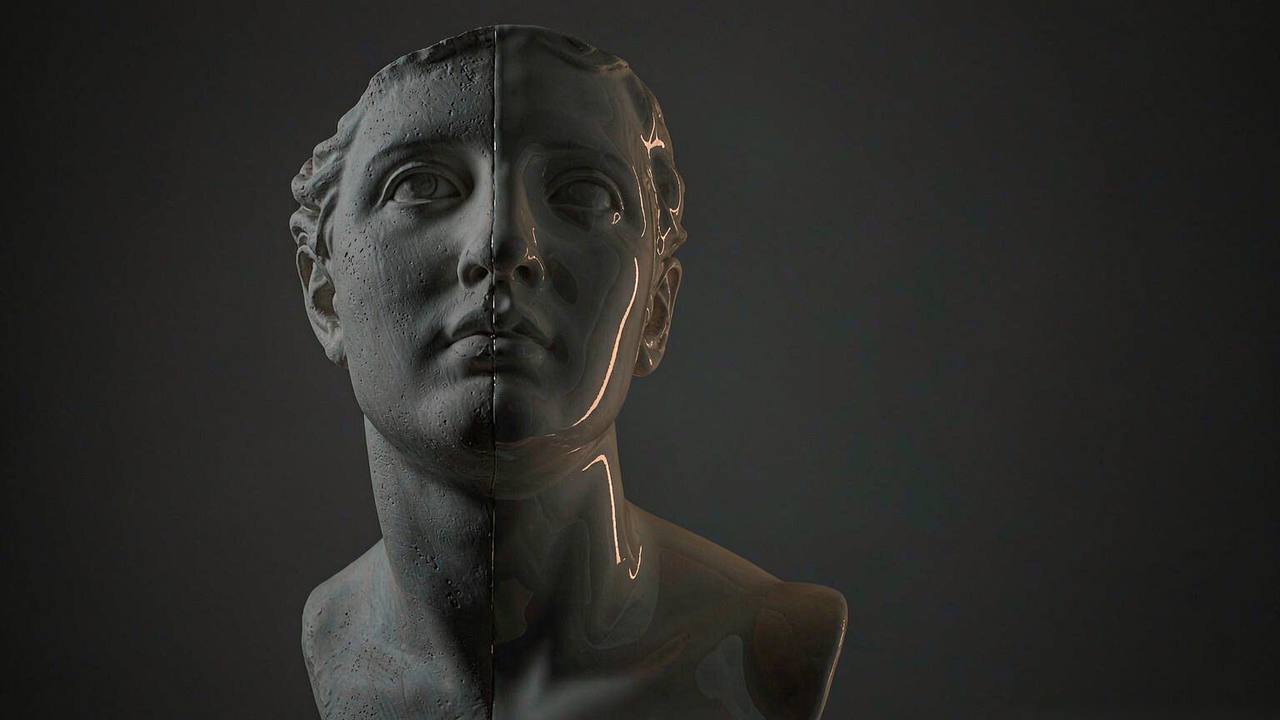
That "faker the more I use it" complaint is really about one thing
In early October a photographer wrote a post saying the same question kept filling up his DMs: he had switched to the newest AI retouching tools, one-click skin smoothing, one-click background swaps, one-click relighting, so why did the photos coming out look more plastic and cheaper than before?
The line stings because it doesn't sound like a technical problem. It sounds like a taste problem. But line up the failed edits and the flaws cluster hard, and they aren't in the model settings. What got erased are three pieces of common sense: physical, optical, material. The stronger the tool, the faster it erases them.
Worth saying up front: this isn't "AI can't do it." The same tools turn out good work in other hands, and the difference is usually one move - which decision you handed over.
One: skin isn't a sheet of paper, it has frequency bands
The core of portrait retouching was never "remove the flaws," it's "keep the frequencies that should be there." Pores, fine lines, peach fuzz, uneven tone are high-frequency information. Bone structure, light-to-shadow transitions, volume are low-frequency. A good retoucher presses down the high end and steadies the low end, so the face reads clean but still human.
Most one-click beautify goes the other way: it treats all high-frequency information as noise and averages it away. What's left is a face with no pores, no fuzz, no fine shadows. Human eyes are brutally sensitive to that - it doesn't look like a person, it looks like a wax figure or a silicone doll. What people call the uncanny valley is usually not mysticism in retouching; it's high frequency zeroed out.
The worse part is the algorithm doesn't know what to keep. The faint red at the sides of the nose, the blue under the eyes, the light shadow above the collarbone - to it, those belong to the same category as a pimple. It has no concept of "this is structure," only "does this deviate from the average."
Two: swapping the background isn't swapping wallpaper, the light has to be recomputed
This is the step that fails most often and gets noticed least.
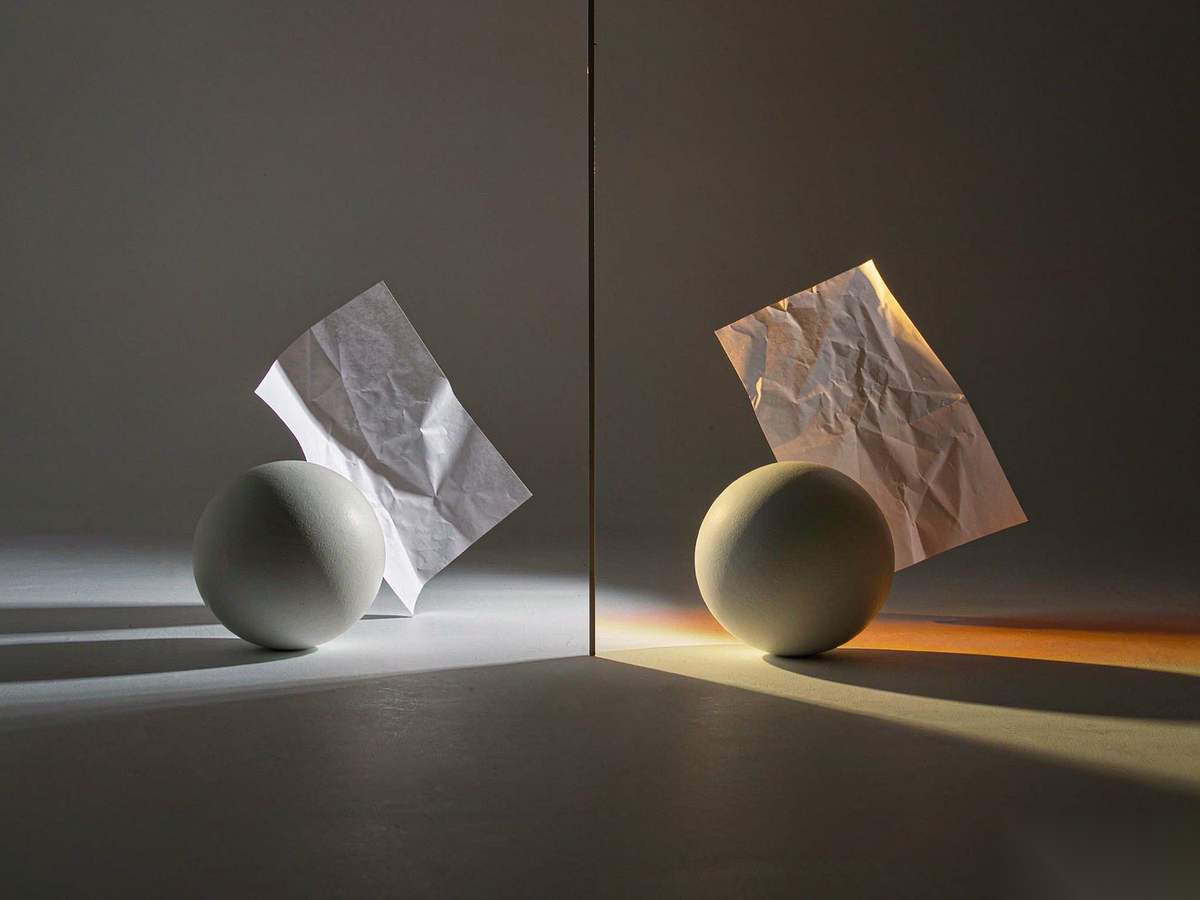
Light has direction. Someone standing in overcast weather has scattered highlights, soft edges, a cool cast. The same person in sunset light gets a warm rim along the contour, a long shadow at their feet, a patch of warm bounce under the chin. None of that is a filter. It's physics.
When a tool cuts someone out of an overcast scene and drops them into a sunset, it usually does exactly one thing: cleans up the edge. It won't recompute the warm bounce that should now be sitting on that person, and it won't add a contact shadow on the ground. So the frame ends up with a split you can't quite name - the person is sharp, the background is sharp, but they aren't in the same space.
Viewers are more accurate than we give them credit for. They can't say "the color temperature doesn't match." They just say "this looks fake."
Three: the good photos the model saw mostly came from stock libraries
The third layer sits in the training data. The aesthetic baseline for most image models comes from heavily retouched commercial stock: saturation pushed up, contrast pushed up, sharpening pushed up, composition kept "safe." What the model learned isn't "what the real world looks like," it's "what a curated world looks like."
Which is why AI landscapes, portraits and product shots share a striking sameness: the same backlit angle, the same creamy grade, the same reliable subject-on-a-third placement. That's not coincidence. That's the shape of an average.
Some designers call it the "AI look." It has nothing to do with image quality or resolution. A 4K frame, technically flawless, beautifully lit, can still read as generated at a glance, because it is too much what you expected.
So how should you actually use it
Flip those three around and you get three moves.
One: change one area, don't redo the whole frame. Fix what's wrong and leave the rest of the pixels alone. That used to be hard, because most tools could only "paint a new one." A batch of open models released this October made it cheap: Black Forest Labs dropped open weights for FLUX 3 Image Klein on October 15, 5.6B parameters, with bounding-box control so you can say "only change this region, leave everything outside untouched." The INT8 quantized build runs on a consumer card with 8GB of VRAM, and the distilled version puts out a megapixel image in under 9 seconds on an RTX 4070. The real value of that isn't image quality. It's that it lets you change less.
Two: set the light first, then the scene. If you're swapping a background, lock the subject's light direction, color temperature and hardness first, then go find a background that matches - not the other way around. And after the swap, put two things back: bounce light on the subject's edge, and a contact shadow at their feet. Those two strokes kill most of the disconnect.
Three: leave a little imperfection in the frame. Don't max the sharpening, don't pin the saturation, don't make every inch of skin smooth. Realism costs something, and the cost is the details that look "unnecessary." Deliberately keep a bit of noise, a bit of uneven skin tone, a bit of looseness outside the depth of field. That's what makes the image hold up.
The tools are moving toward restraint, and that's good
For the past two years the competitive benchmark was "can it render the thing." This year it has clearly shifted: can it change only this part, can it keep the same person, can it place a layout by coordinates. FLUX 3 writes layout as a coordinate grid, Qwen-Image 2.1 does native alpha, Kling and Seedance are competing on keyframes and shot consistency - the direction is the same, all of it converging on "controllable."
But controllable isn't the same as good-looking. A tool can help you change only one area; it can't tell you which area to change. AI didn't carry you over the taste barrier. It just lowered the bar a little.
So next time a photo looks faker the more it's retouched, don't blame the model first. Ask three questions: is the high frequency still there? does the light match? is this image too much what you expected? Answer all three and you can mostly save it.
Related articles
The Three Giveaways of AI-Made Work: Four Pixels Off, an Invisible Stamp, and Nobody's Name
A diagram project's 4px rule, SynthID's invisible stamp and the Nikon scandal, and the publishers using AI without telling authors: three layers of “AI-ness,” only two of which technology can patch.
CLI-Anything Gives Desktop Software a Command Line So Agents Can Use It
Instead of teaching agents to click, HKU's lab generates Click-based CLIs from application source code, with tests, JSON output, and a package you pip install. Real backends, real renders, honest limits.
CLI-Anything Gives Desktop Software a Command Line So Agents Can Use It
Instead of teaching agents to click, HKU's lab generates Click-based CLIs from application source code, with tests, JSON output, and a package you pip install. Real backends, real renders, honest limits.
XERJ Searches Your Code So Agents Stop Reading Whole Files
A Rust search engine with autoindex, tree-sitter symbol awareness, and an Elasticsearch-compatible wire protocol. Its benchmark says 2.7x fewer tokens than grep. Its maintainer says the star count is inflated 13x.